Technology
Timestamped Transcription: Turn Recordings into Navigable Knowledge
Timestamped transcription links text to exact moments in audio and video, making long recordings searchable, verifiable, and reusable. This guide explains what timestamped transcription is, how it speeds workflows, and step-by-step methods to adopt it for podcasts, lectures, meetings, and research.
What timestamped transcription actually means
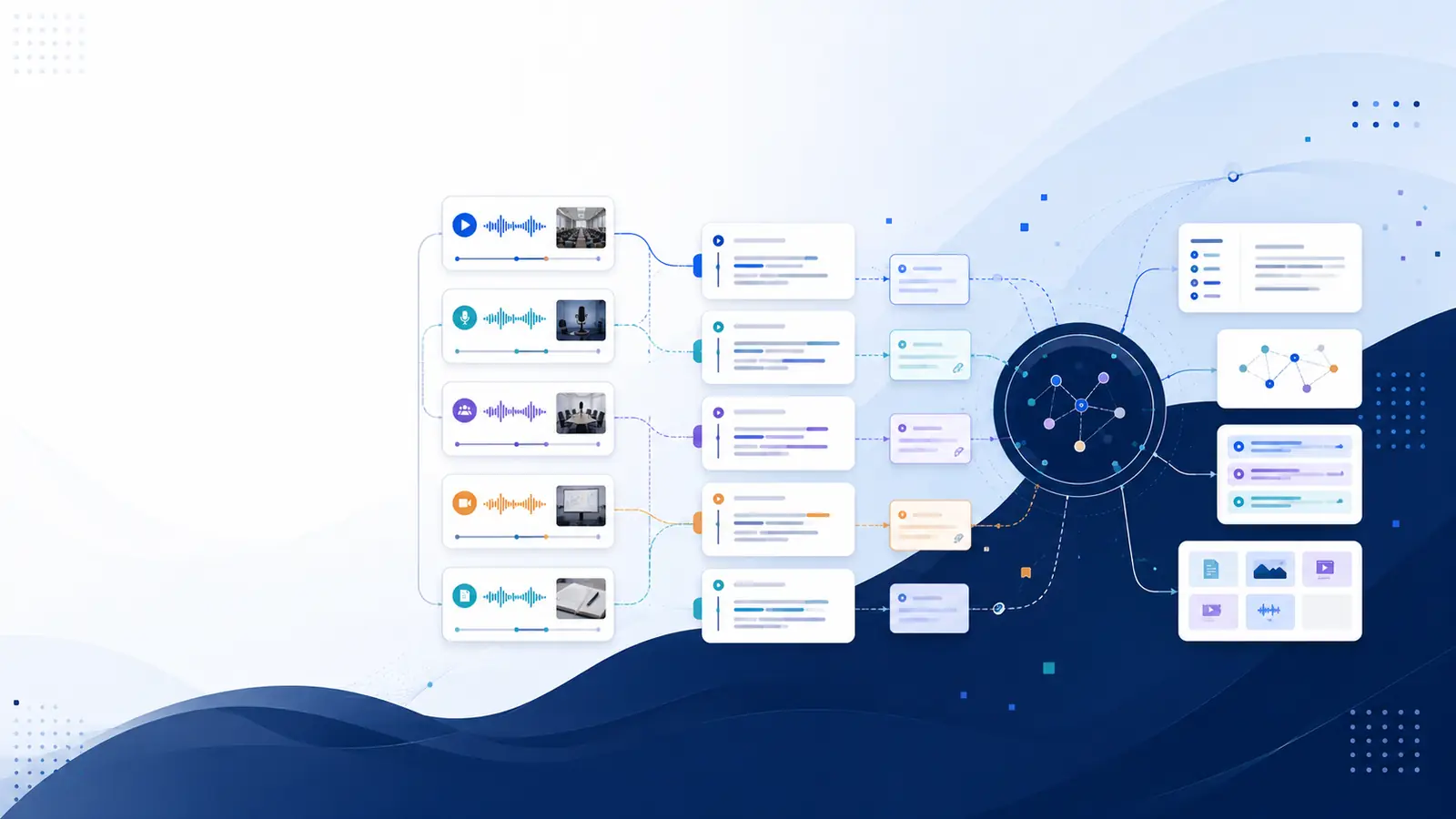
Timestamped transcription ties each segment of text back to the exact moment it occurs in the audio or video. That means reading a line and clicking its timestamp will jump the player to the original moment. The immediate benefit is navigational: transcripts stop being static documents and become direct links into recordings. A timestamped transcript preserves context, so quotes can be checked against the source without scrubbing through the entire file. For libraries of recordings, this capability turns scattered files into a searchable, structured knowledge asset that supports discovery and reuse.
Starting from YouTube? This guide covers five ways to convert a YouTube video to text.
Why timestamps change how you work with long recordings
Long-form audio and video impose friction: verifying a quote, extracting a clip, or locating a key explanation can require rewatching large portions. Timestamped transcription reduces that friction by letting you jump directly to a moment. This saves significant time when producing short clips, preparing citations, or reviewing lecture highlights. For teams, timestamps make meeting records actionable: a decision or action item can be traced to its spoken origin and linked in project notes. When paired with semantic search, timestamps let searches return precise moments rather than whole files, enabling focused review and faster decision-making.
Practical workflow: from recording to a usable timestamped transcript
Use this checklist to turn a raw recording into an actionable resource. First, capture good audio—close microphones, minimal background noise, and clear speaker turns. Second, run a transcription pass and obtain a timestamped transcript. Third, apply speaker labels where needed and add chapter markers for major sections. Fourth, trim or clip segments and export them with their timestamps for reuse. Finally, index the transcript into a searchable library so queries return moments directly. For teams, attach timestamped clips to task trackers or meeting notes to preserve context and avoid ambiguity.
Tools and options: what to look for
Not all transcription services offer the same outputs. Prioritize services that produce timestamped transcripts plus searchable and structured knowledge so the transcript can be queried by meaning as well as by keyword. Look for transcript exports in common formats so clips and subtitles are easy to repurpose. If multi-speaker sessions are common, a service that provides speaker diarization on appropriate plans helps identify who said what. Some platforms also provide AI summaries and chapter generation, which shorten review time and keep timestamps attached to each summary point. For hands-on testing, the free transcription tools let you trial the basic pipeline before committing to a workflow.
Use cases and step-by-step examples
Podcast creators: run a timestamped transcript, mark highlights, and export SRT for video snippets. Journalists: transcribe interviews, search for keywords or concepts, click timestamps to verify quotes, and attach exact citations to articles. Educators: transcribe lectures, generate chapter markers for lessons, and produce flashcards linked to timestamps for student revision. Teams: transcribe meetings, tag action items with timestamps, and link them into project trackers. Each example follows the same pattern—capture, transcribe with timestamps, search, verify, and repurpose—so the approach can be applied across media types.
How semantic search and timestamps work together
Keyword search is useful when exact phrasing is known, but semantic search finds moments by meaning, which is essential when phrasing varies. When a transcript is both searchable and timestamped, semantic queries return specific moments linked to the audio or video. This allows asking plain-language questions and jumping to the answer with a timestamp. Combining semantic search with timestamped transcripts reduces guesswork when locating non-verbatim content like concepts, examples, or explanations. For large libraries, this pairing turns many hours of footage into a navigable knowledge base rather than a folder of files.
How to adopt timestamped transcription in your workflow
Start small: pick a single content type—podcasts, lectures, or meeting recordings—and implement a standard process for capture and transcription. Create naming and tagging conventions that include date, speaker, and topic. Store transcripts alongside recordings and enforce a habit of attaching timestamps when referencing audio in documents or tickets. Train team members to verify quotes against the timestamped transcript before publishing. Over time, centralize transcripts in a searchable library so reuse across projects becomes routine rather than ad hoc.
Frequently asked questions
How precise are timestamped transcripts for verification?
Timestamped transcripts point directly to the source moment, which makes verification faster. Accuracy depends on recording quality and the transcription method; review key quotations against the audio. Many tools combine automatic transcription with easy review workflows so corrections can be made and timestamps preserved.
Can timestamps be exported for subtitles and clips?
Yes. Most platforms let you export transcripts in subtitle formats like SRT and VTT, or as plain text with timestamps. Those exports preserve timing and are suitable for subtitle workflows, clip trimming, and publishing short excerpts with accurate timing metadata.
Do timestamps work with multi-speaker recordings?
They do when the service provides speaker diarization; labelled timestamps show who spoke when. On some plans, speaker diarization is included to help identify speakers across interviews, panels, or meetings, making attributions clearer for editing and citation.
How does semantic search find moments without exact words?
Semantic search converts transcript segments into meaning-based representations and matches queries by intent rather than exact words. When combined with timestamped transcripts, semantic search returns the specific moments most closely matching the query, letting you jump straight to the relevant part of the recording.
Where to try timestamped transcription quickly?
Free transcription tools and trial plans let you test the pipeline on short files before scaling. For a broader feature set—searchable transcripts, timestamped transcripts, and AI summaries—see the features page, and to experiment with short audio or YouTube imports try the free-tools section. For practical guides on searching video transcripts, consult the blog post on mastering video content.
feature details · free tools · search video transcripts
Libraryminds converts recordings into searchable, structured knowledge with timestamped transcripts to make moments findable and reusable.