AI Productivity & Learning
What is a Video Knowledge Engine? The Future of AI-Powered Video Search
The Rise of the Video Knowledge Engine: Why Traditional Search is Obsolete In an era where we record everything—from corporate meetings to university lectures—we are drowning in video data. The problem? You can’t "Ctrl+F" a video file.
The Rise of the Video Knowledge Engine: Why Traditional Search is Obsolete
In an era where we record everything—from corporate meetings to university lectures—we are drowning in video data. The problem? You can’t "Ctrl+F" a video file. Or rather, you couldn't until now.
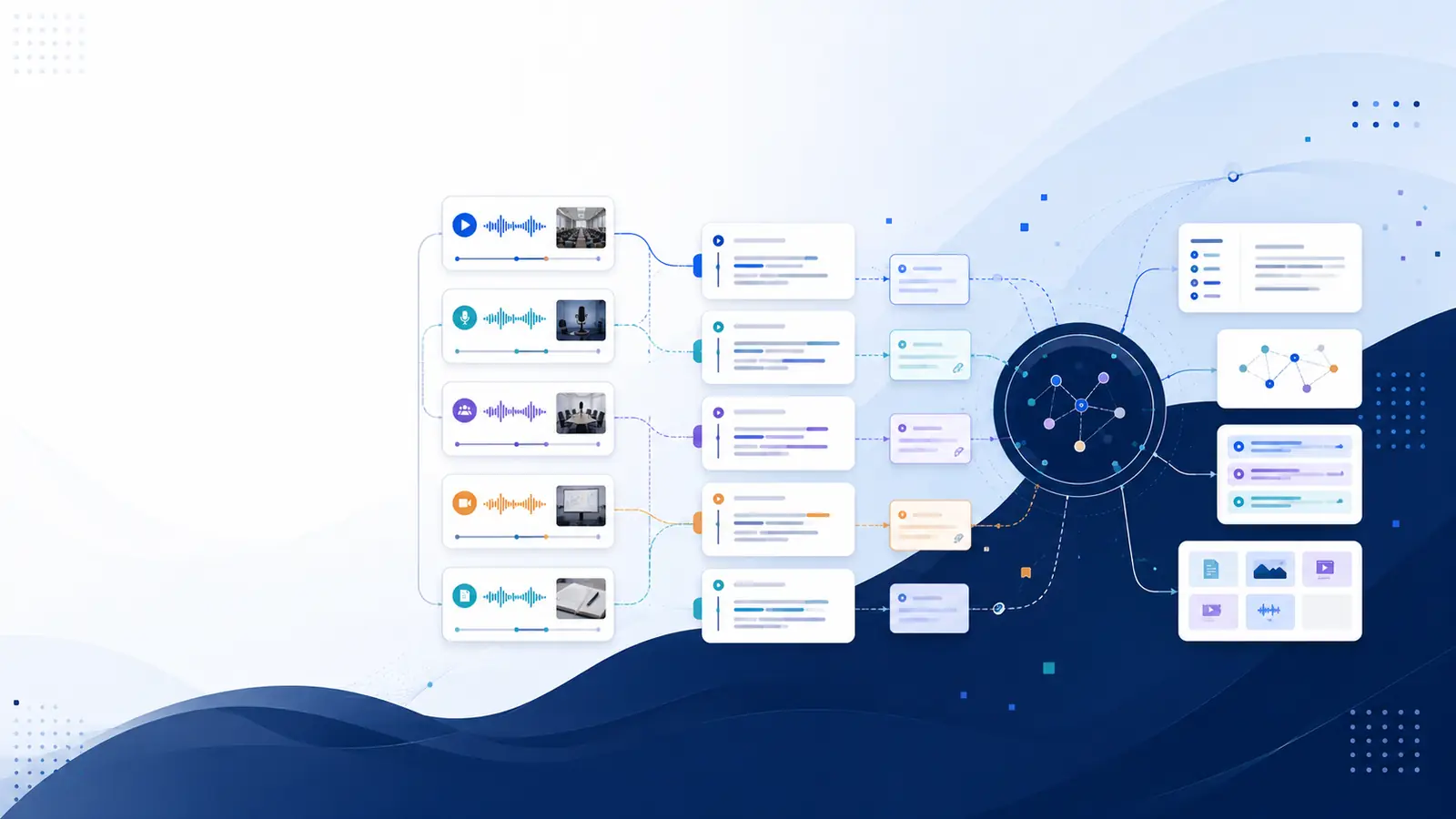
A Video Knowledge Engine like Libraryminds is not just a transcription service; it is a brain for your video library. It transforms "dead" video files into "live" data that you can query, summarize, and recall in seconds.
Beyond Keywords: The Magic of AI Semantic Search
Most search tools look for exact text matches (Keyword Search). If you search for "revenue," they might miss a clip where someone says "earnings."
Libraryminds uses AI Semantic Search to understand intent.
Intent-Based Ranking: It prioritizes results based on what you actually mean.
Concept Mapping: It connects related ideas, so searching for "healthy eating" surfaces clips about "nutritious meal prep."
Contextual Awareness: It understands the relationship between the speaker's words and the visual chapters.
3 Unique Ways to Use a Video Knowledge Engine
1. The "Personal Assistant" for Students
Instead of re-watching a 2-hour biology lecture, simply ask, "Where did the professor explain the mitochondria?" The Libraryminds Chrome Extension will jump you to that exact second.
2. Corporate Memory for Teams
Recorded a Zoom meeting but forgot the action items? Use the Memory Anchors feature to auto-generate summaries and searchable tasks, ensuring no detail from your strategy call is ever lost.
3. Content Repurposing for Creators
Turn a 30-minute YouTube video into 5 LinkedIn posts, a newsletter, and a blog in minutes. By searching for "key takeaways" within your own footage, you can extract high-value quotes without scrubbing through timelines.
Frequently Asked Questions (FAQ)
What makes Libraryminds different from a standard transcriber?
Standard transcribers give you text; Libraryminds gives you a retrieval system. It indexes your videos so you can search them semantically and interact with the content via AI-generated flashcards and summaries.
Can I search across multiple videos at once?
Yes. Your Libraryminds account acts as a centralized "Knowledge Base." You can search a specific keyword or concept across your entire collection of uploaded MP4s and imported YouTube links.
Is my data private?
Libraryminds is Private by Design. Video files are deleted immediately after processing is complete. Only the generated searchable text and metadata are stored in your encrypted library.
Does it work with TikTok and Vimeo?
Yes, the Chrome Extension allows you to import and index videos directly from YouTube, TikTok, and Vimeo with a single click.
How accurate is the timestamping?
It is pinpoint accurate. Clicking on any sentence in the transcript will "teleport" the video player to that exact millisecond.