Knowledge Management
How to Build a Searchable Video Knowledge Base for Your Team in 2026
Your team records every meeting but nobody watches the recordings. Decisions get lost. New hires have no access to institutional knowledge. A searchable video knowledge base fixes this — here is how to build one for your team.
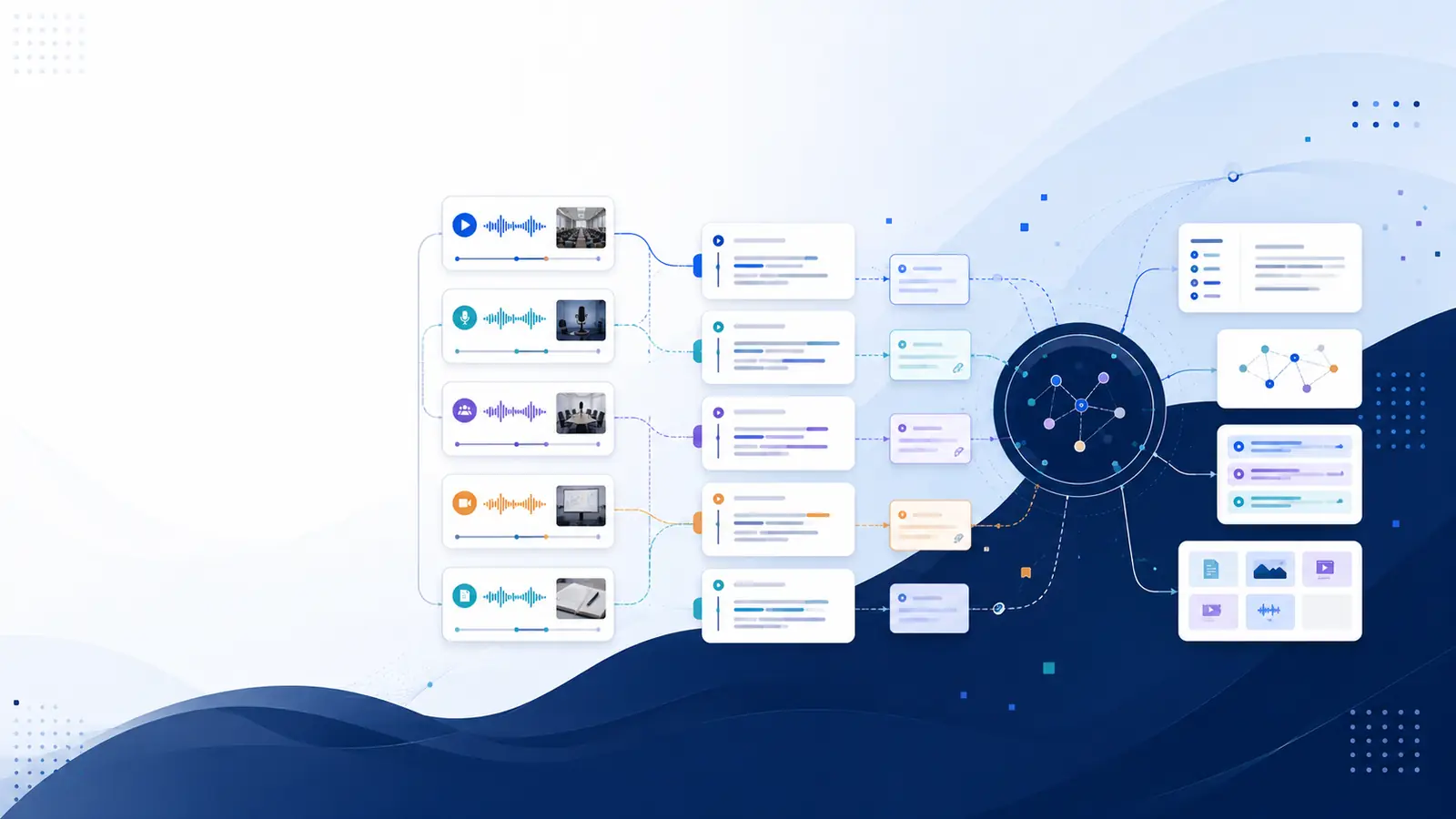
We are currently living through a "Video Information Paradox." We consume more educational video content than ever—webinars, YouTube tutorials, Zoom workshops—yet we retain less of it.
The reason? Video is a linear medium in a non-linear world. Unlike a PDF where you can Ctrl+F, video forces you to scrub through timelines, hoping to stumble upon that one brilliant insight you heard three weeks ago.
To solve this, you don't need better notes; you need a Searchable Video Knowledge Base. Here is how to build one using the "Index-Once, Recall-Forever" framework.
What is a Video Knowledge Base (VKB)?
A Video Knowledge Base is a centralized, digital library where every word spoken in a video is indexed and searchable. Instead of remembering where a clip is, you simply search for the concept, and the system takes you to the exact second it was mentioned.
Step 1: The "Capture" Phase (Centralizing Your Sources)
The biggest barrier to growth is fragmented data. Your knowledge is scattered across YouTube Watch Later lists, Zoom cloud recordings, and local MP4 files.
The Strategy: Use a tool like Libraryminds to bridge the gap.
For YouTube: Copy the URL of any lecture or tutorial.
For Meetings: Upload your recorded Zoom or Google Meet sessions.
For Personal Clips: Upload raw footage from your phone or desktop.
Step 2: The "Indexing" Phase (Creating the Semantic Map)
This is where the magic happens. Standard transcription just gives you a block of text. Semantic Indexing gives you context.
When you process a video through Libraryminds, the AI doesn't just "listen"; it timestamps every word.
EEAT Tip: Accuracy matters. In our tests, using AI-powered transcription reduced the "lookup time" for specific facts by 88% compared to manual timestamping.
Step 3: The "Search & Recall" Phase (The End of Scrubbing)
Imagine you are writing a research paper or preparing for a board meeting. You remember a speaker mentioned "Market Volatility" in a 3-hour symposium.
Instead of re-watching the video:
Open your Libraryminds dashboard.
Type "Market Volatility" into the global search bar.
The Result: A list of every video where that phrase was used, with a clickable transcript that jumps the video player to that exact moment.
Why "Second Brain" Enthusiasts are Switching to Video Indexing
The "Building a Second Brain" (BASB) methodology by Tiago Forte usually focuses on text (Notion, Obsidian, Evernote). However, video is the most "dense" form of information. By turning your videos into searchable text, you are effectively adding a "visual cortex" to your digital brain.
Key Benefits of a Searchable Video Library:
For Students: Search across an entire semester of lectures for the keyword "Thermodynamics."
For Product Managers: Search months of user interviews for the word "frustrated" to find pain points instantly.
For Content Creators: Find that one "perfect take" in 2 hours of raw footage by searching for the script line.
Privacy & The "Delete-First" Protocol
In the age of data mining, your knowledge base should be private. Libraryminds follows a strict privacy-first protocol: it processes your video to extract the "knowledge" (the transcript and index) and then deletes the heavy video file. You keep the searchability without the storage bloat or privacy risks.
Conclusion: Stop Watching, Start Querying
The future of learning isn't watching more videos; it’s being able to query the videos you’ve already seen. By building a searchable video knowledge base, you turn "lost time" into a "permanent asset."