AI Tools
AI video search: find moments inside recordings
AI video search converts spoken content into searchable, timestamped transcripts so you can jump to the exact moment you need. This guide explains how it works, step-by-step workflows, tooling choices, and practical tips for getting reliable results.
What AI video search actually does
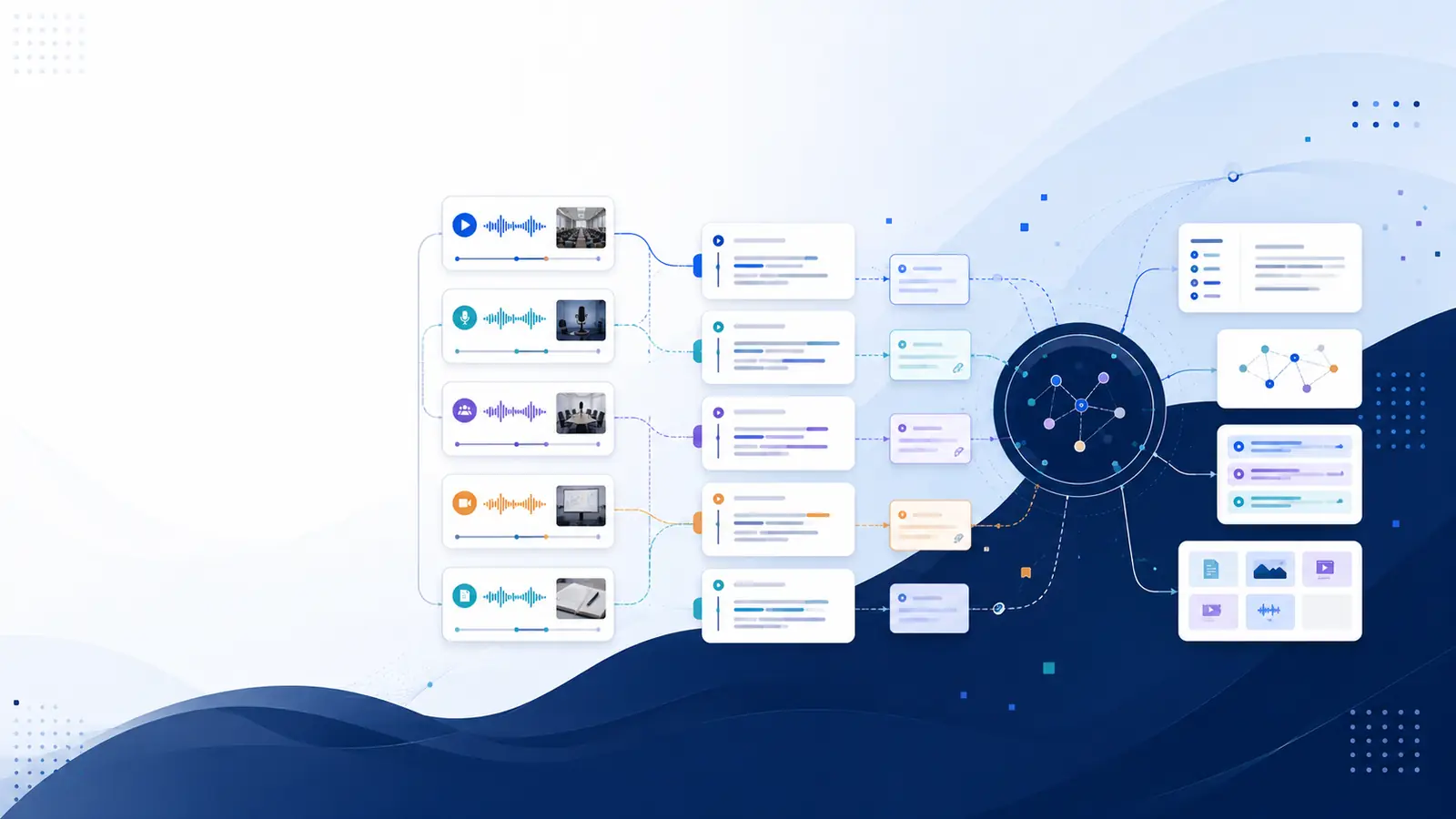
AI video search converts spoken content inside recordings into searchable, timestamped transcripts so you can find the exact moment you need without rewatching. The process begins with AI transcription that produces a timestamped transcript, then adds indexing and optional semantic embeddings so queries return the precise segment in the video. That means you can search by keywords or ask a plain-language question and jump straight to the relevant clip.
Converting video into text makes recordings behave like documents: every result links back to the exact timestamp, speakers can be labeled for clarity on Plus and higher plans, and summaries or chapter markers can be generated so long recordings become navigable summaries.
Core steps to implement AI video search
Implementing AI video search involves a repeatable pipeline. Follow these steps to turn raw footage into a searchable library:
Ingest the file or link: upload MP4/MOV or paste a YouTube URL.
Run AI transcription to create a timestamped transcript; review and correct critical wording.
Index the transcript and generate semantic embeddings for meaning-based queries.
Enable speaker labels where helpful (available on Plus and higher plans).
Add AI summaries, chapters, or flashcards to surface key points quickly.
Each step reduces the time needed to retrieve precise information from recordings. For a hands-on walkthrough, see the Libraryminds guide on how to search inside a video.
Choosing the right transcription and search approach
Picking tools affects accuracy and usability. Keyword-based search works well when exact phrases are recalled; semantic search is better when phrasing differs. Transcription quality depends on audio clarity, mic placement, and overlapping speech. For multi-speaker meetings, speaker diarization on Plus and higher plans adds speaker labels that make results clearer. Always include a short human review pass for critical records—AI transcription provides the raw searchable text but reviewing ensures citations and decisions are precise.
Some platforms offer browser voice recording, direct audio/video URL import, and Chrome extensions for one-click capture; these reduce friction when adding new recordings. Explore the features to compare available import and export options.
Practical workflow examples
Three compact workflows illustrate common use cases:
Student revision: record lectures in class, transcribe to get timestamped transcripts, generate flashcards from the transcript, and use the chapter markers to review weak spots.
Team meetings: auto-transcribe calls, index transcripts, then search for decisions by keyword or by asking a plain-language question across the library to locate the moment a decision was made.
Podcast repurposing: transcribe episodes, run AI summaries and show notes, then cut clips for social posts using exact timestamps from the transcript.
For detailed how-to steps on converting YouTube videos into searchable notes, refer to the Libraryminds walkthrough on turning any YouTube video into searchable notes.
Quality checks and common gotchas
AI video search speeds retrieval, but quality controls keep results reliable. Common issues include poor audio causing misheard words, overlapping speakers confusing diarization, and specialized vocabulary producing transcription errors. Mitigation steps:
Use clear microphones and reduce background noise during recording.
When possible, add speaker names in a transcript review pass to fix diarization errors found on Plus and higher plans.
Review and correct any technical terms before generating final exports or citations.
Rely on timestamped transcripts when verifying quotes or decisions rather than memory alone.
For recurring workflows, automate ingestion with webhooks or the developer REST API to ensure every new recording is transcribed and indexed automatically; see the automation options on the pricing page for plan details and capabilities.
How to measure value and adoption
Measure impact by tracking how often searchable results save replay time and reduce requests for clarification. Useful metrics to collect informally include how many searches return a direct timestamped answer, how often chapters or summaries are used, and whether flashcards improve retention for learners. Knowledge decay tracking on Pro and higher plans helps surface content that hasn't been revisited, prompting targeted review of aged recordings.
Start small with a single course or team, document how many times a transcript retrieved the needed moment, then expand the indexed library. Use exports in TXT, SRT, or Word when handing off reviewed transcripts to colleagues or archiving meeting records.
Frequently asked questions
What exactly is AI video search?
AI video search converts spoken audio within videos into text, indexes the transcript, and lets you retrieve the exact moment via keyword or meaning-based queries. Results link to timestamps so the original video context is easy to verify without manual scrubbing.
How accurate are transcript-based searches?
Search accuracy depends on transcription quality, which is influenced by audio clarity, accents, and overlapping speech. Always confirm important quotations against the timestamped transcript; a short human review pass improves reliability for formal uses.
Can I search across many videos at once?
Yes. Once transcripts are indexed, global search or semantic queries can run across the full library so a single question can return the exact moment from any matching recording. This saves time compared with searching videos individually.
Which tasks benefit most from AI video search?
Students use it for targeted revision, teams for finding decisions and action items, creators for repurposing clips and show notes, and researchers for citing interviews with precise timestamps. Any role that revisits recorded content gains faster retrieval.
How does Libraryminds fit into this workflow?
Libraryminds converts recordings into searchable, structured knowledge with timestamped transcripts and offers semantic search across transcripts; speaker diarization is available on Plus and higher plans. For step-by-step guides and feature details, see the Libraryminds blog post on AI video knowledge search.