Information
Turn YouTube Video into Searchable Notes Quickly
Convert a YouTube video into searchable, timestamped notes you can search, jump to, and export. This guide gives clear steps, ready-to-use workflows, and recommended tools to save time on revision and content repurposing.
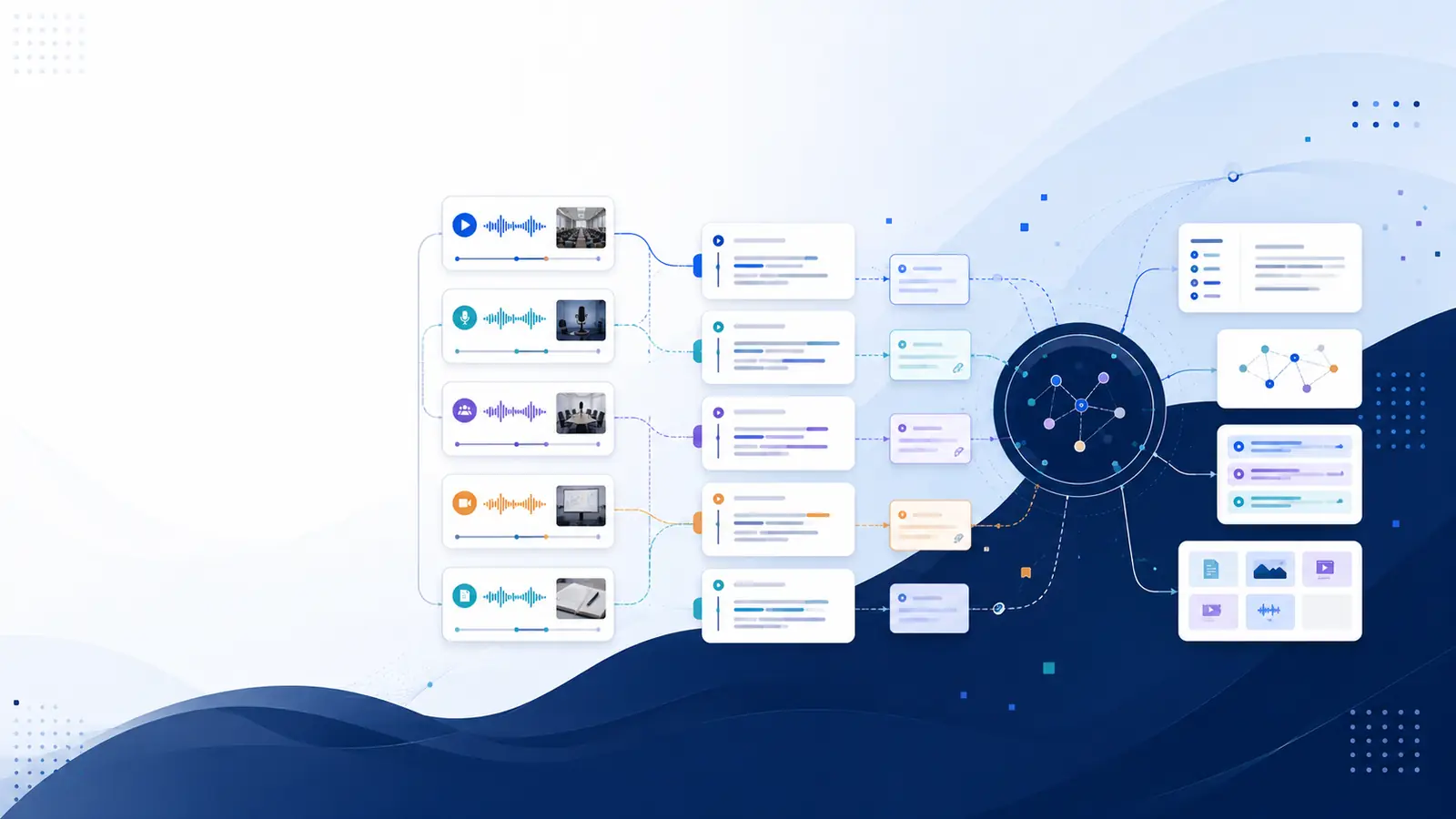
Why convert a YouTube video to searchable notes?
Searchable notes let you find the exact moment a concept, quote, or example appears without rewatching long stretches of video. A timestamped transcript turns spoken words into text you can search, copy, highlight, and cite. This reduces time spent scrubbing and preserves context: every result links back to the original moment so the line you quote sits inside its source clip. If the goal is faster revision, content repurposing, or building a research repository, searchable notes change a video from a one-off viewing into reusable reference material.
Quick workflow: from YouTube link to searchable transcript
Start with the video URL, then choose a service that returns a timestamped transcript. First, paste the YouTube link into a transcription tool that extracts captions or generates a full transcript. Next, review and clean the text: fix speaker breaks, correct OCR or caption errors, and add short paragraph headings to segment ideas. Save the cleaned result and add keywords or tags for later retrieval. Finally, export the transcript in a format that fits your workflow — plain text for notes, SRT or VTT for subtitles, or Markdown for publishing. For a fast test run, try the free YouTube transcription utility to retrieve caption-based text and confirm timestamps before committing to a full import into a knowledge library.
Tools and options: what to choose and when
Choose by task. If the video already has accurate captions, a caption-extraction tool is fastest: it returns timestamped segments you can copy and search immediately. For noisy audio or uncaptained content, use an AI transcription service that creates a full transcript and offers speaker labels. Pick an option that supports export formats you need: TXT for simple notes, SRT/VTT for subtitle workflows, and Markdown or Word for content republishing. Consider a system that supports semantic search if you want to ask questions in plain language across multiple videos. For rapid chapter and show note generation, select a tool that can output YouTube-ready chapters and formatted show notes directly from the transcript.
Step-by-step example: build searchable notes for a lecture
Example workflow for lecture notes: copy the lecture's YouTube URL and paste it into a transcription import. Allow the service to produce a timestamped transcript, then scan for speaker changes and key formulae or definitions. Break the transcript into titled sections that mirror the lecture's structure, and add short bullet summaries at each section start. Use semantic tags or a few consistent keywords for major concepts so search will bring up the right passages later. Export a TXT for quick study, a VTT if you want in-player navigation, and a Markdown file if the notes will be published. Store these files alongside your lecture slides so each video becomes searchable and citable within a study folder.
Where searchable transcripts save time and improve accuracy
Searchable, timestamped notes prevent repeated rewatching and make quoting precise. Instead of scrubbing, search the transcript for a keyword or concept, click the timestamp, and open the video at the exact phrase. This preserves nuance: the sentence around a quote remains linked to its original moment. If multiple recordings cover the same topic, semantic search lets you ask a question and surface the best-matching moments across the whole collection. Workflows that include export to subtitle files and chapter timestamps also streamline publishing and content reuse, because you get ready-to-paste segments for video descriptions and episode notes.
How to scale: build a searchable video library
When scaling from single videos to a library, pick a platform that supports batch imports, full-text search, and metadata. Automate ingestion with RSS for podcasts or a simple upload process for series of lectures. Indexing each transcript with consistent tags and optional chapter markers makes later retrieval predictable. If you want question-driven search across many videos, choose a system that provides semantic search so natural-language queries return the most relevant moments rather than only keyword matches. For ongoing review workflows, consider a platform that can generate flashcards from transcripts for spaced repetition and can track which topics haven't been revisited recently.
Frequently asked questions
Can I get a timestamped transcript from any YouTube video?
Many videos already include captions; when captions are available, a caption-retrieval tool returns timestamped segments. For videos without captions, AI transcription can generate timestamped transcripts from the audio track. Some tools offer a free caption-retrieval utility to test whether a given video has an accessible track before running a full transcription.
How accurate are automated transcripts for study notes?
Accuracy varies with audio quality, speaker clarity, and overlapping speech. Automated transcripts are useful for indexing and quick reference, but important quotes or technical wording should be checked against the video. Some services provide a transcript quality metric and both clean and raw transcript views to help verification.
Which export formats should I use for notes and publishing?
Export plain text or Markdown for study notes and editing; use SRT or VTT for subtitles and player-linked timestamps; choose Word or Notion exports for publishing workflows. If chapters or show notes are needed, a generator that outputs YouTube chapter timestamps and formatted show notes saves manual editing.
Can I search across many videos by meaning, not just keywords?
Yes. Semantic search converts transcripts into searchable embeddings so natural-language queries return relevant moments across a collection. This finds results when exact keywords are forgotten and is especially useful for research libraries or large lecture series.
Where to start if I want a simple test workflow?
Begin with a free caption-extraction tool to get a timestamped transcript from a YouTube link and verify timestamps. For larger needs, explore feature pages that describe automatic transcription and semantic capabilities, and check the pricing page to compare monthly minutes and advanced options.
For a quick test, try the free tools to pull captions, read more about core functionality on the features page, and compare plan options on the pricing page. Libraryminds provides timestamped transcripts that link every word to its moment in the video and supports semantic search across your library. For creators who need chapter markers, the show notes and chapters feature can auto-generate YouTube-ready timestamps and summaries.