Retain Information
How to Actually Retain Information from Video Lectures (Not Just Watch Them)
You just finished a 45-minute lecture video. You understood it while watching. You even nodded along at the right parts. Then you open your notes two days later — and it's gone. Sound familiar? You're not bad at learning.
You just finished a 45-minute lecture video. You understood it while watching. You even nodded along at the right parts.
Then you open your notes two days later — and it's gone.
Sound familiar? You're not bad at learning. You're using the wrong system.
Why you forget almost everything you watch
Research on the forgetting curve shows that without reinforcement, students can forget up to 70% of newly learned material within just 24 hours. Class2class
Video makes this worse — not better.
When you read a textbook, you can highlight, annotate, re-read a sentence, and scan back in seconds. When you watch a video, you're at the mercy of a timeline. One of the main differences between learning from texts and learning from lectures is that in lectures, the professor controls the pace — you usually do not have the ability to pause, go back, or slow down the way you do when reading independently. Learning Center
So most students do one of three things — all of which feel productive but aren't:
They rewatch the whole video. Time-consuming, passive, and the brain barely engages the second time around.
They take notes word for word. Research shows that verbatim transcription is a shallow strategy that provides no added benefit to comprehension above not taking any notes at all. Wiley Online Library
They do nothing and hope it sticks. It doesn't.
The problem isn't effort. The problem is that video is a locked format — and your brain needs to interact with information, not just receive it.
The real reason video learning fails students
According to research, approximately 90% of classroom instruction stays at the surface level, limiting students' ability to engage in deep or transfer learning. When the primary goal is content delivery and the primary assessment is recall, the brain encodes information in a way that fades quickly. Class2class
Watching a video is passive by default. Your eyes are moving, but your brain isn't being asked to do anything. There's no retrieval, no connection, no application. The information enters short-term memory — and evaporates.
The brain retains information that it uses, explains, applies, and connects to real situations. Memories are not stored like files in a cabinet — they are more like spider webs, strands of recollection distributed across connected neurons. The more connections a piece of information has, the harder it is to forget. Class2class
To actually retain what you watch, you need to turn passive viewing into active retrieval. And that starts with being able to interact with the content after the video ends.
What actually works: active engagement after the video
One of the most effective ways to learn from YouTube videos is by taking notes while watching — this helps students engage actively with the content rather than passively watching. To make note-taking more effective, students can summarize the main ideas in their own words, ask questions, and make connections to other relevant concepts. London-pass
But here's the practical problem: doing this well takes enormous effort, especially across multiple lectures, long playlists, or a full semester of content. Most students can't keep up — and the notes they do take end up scattered, unsearchable, and never reviewed again.
What if you didn't have to manually do all of that?
How students are using AI to actually learn from videos
This is where tools like Libraryminds change the equation entirely.
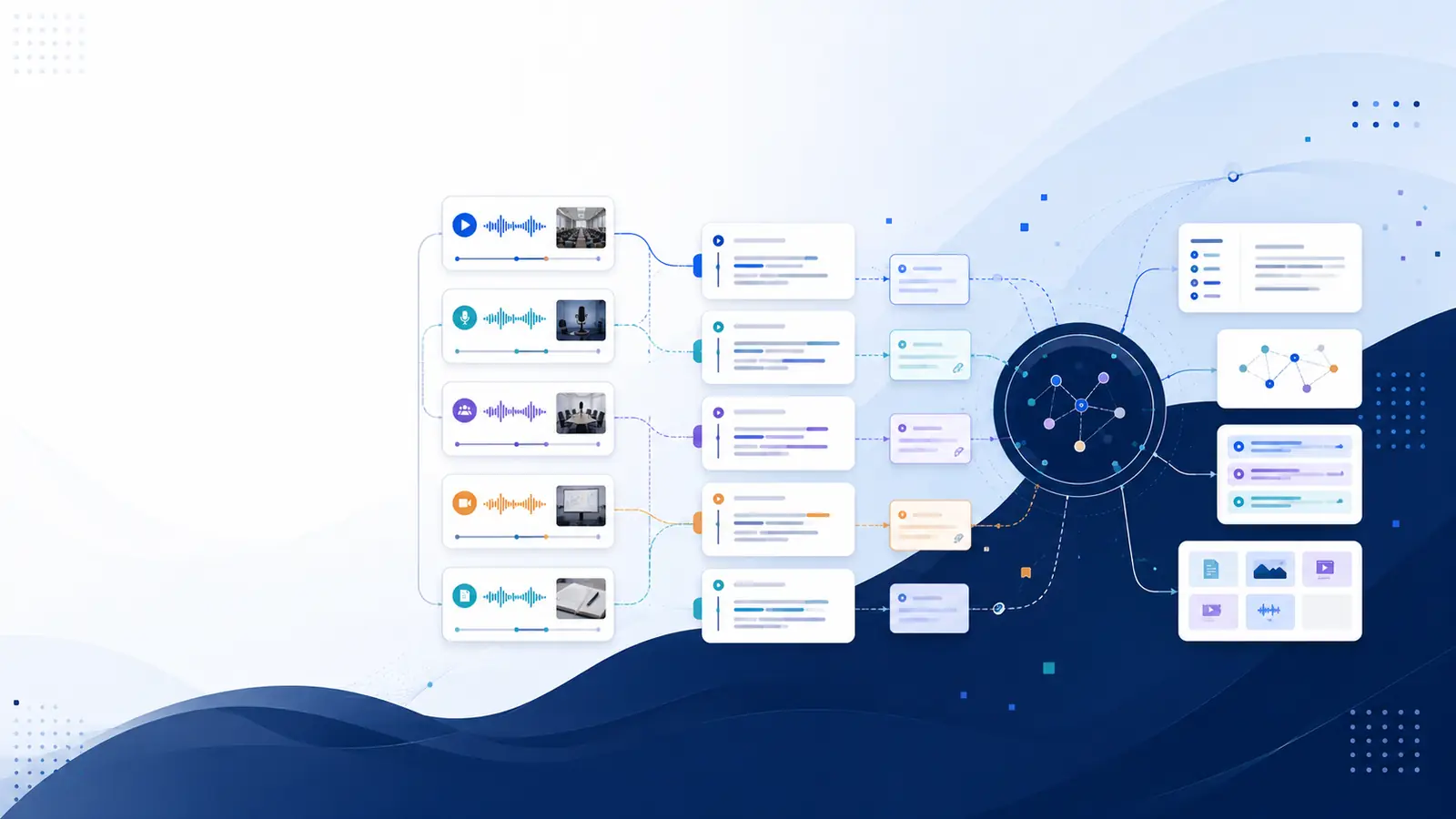
Instead of watching a video and hoping something sticks, you add it to Libraryminds — and it instantly becomes a searchable, interactive knowledge resource.
Here's what that looks like in practice:
You watched a 1-hour economics lecture three weeks ago. You remember something was said about supply shocks but can't find it. Instead of rewatching the whole thing, you type "supply shock" into Libraryminds — and land at the exact timestamp in seconds.
You're revising for an exam. Instead of scrubbing through 10 different lecture recordings, you ask Libraryminds a question in plain English — "what did the professor say about the Keynesian multiplier?" — and it pulls the answer from across your entire library, with a source link so you can verify it.
You're turning notes into flashcards. Libraryminds automatically generates Q&A and flashcards from any video, so your spaced repetition practice is built directly from the content you actually watched.
This isn't a shortcut. It's what active learning looks like when the tools match the format.
A practical system for retaining what you watch
Whether or not you use a tool like Libraryminds, here's a framework that works:
1. Don't take notes while watching — engage first. Close your notebook, lay back, and relax during the lecture. Listen and absorb the information. The next day, write down everything you can recall. Medium The retrieval effort is what builds the memory.
2. Summarize in your own words — not verbatim. After watching, write a 3-sentence summary of what the video covered. If you can't do it, rewatch just the parts you're unsure about.
3. Turn content into questions. Research shows that students who engage their brains in asking and answering questions outperform those who simply review their notes. Learning Center For every video, generate at least 3 questions from the content.
4. Revisit at intervals — not all at once. Instead of cramming, revisit material at increasing intervals — for example, Day 1, Day 3, Day 7, Day 14. Mics This is spaced repetition, and it's the single most evidence-backed method for long-term retention.
5. Make your video library searchable. The biggest bottleneck for most students isn't watching — it's finding. If you can't quickly locate what you've already learned, you end up rewatching from scratch. A tool like Libraryminds solves this by making every video in your library searchable by keyword or meaning.
The bottom line
Watching more videos won't make you learn more. Watching the same video twice won't either.
What actually works is treating video content as raw material — something to interact with, question, search through, and build on. The students who retain the most aren't the ones who watch the most. They're the ones who have a system.
Libraryminds gives you that system. Add any video, transcribe it instantly, search it like a document, extract summaries and flashcards, and build a knowledge library that actually grows with you — instead of disappearing the moment the video ends.
Stop rewatching. Start retrieving.
Try Libraryminds free — turn any video lecture into a searchable knowledge system.