Education & Student Productivity
How to Take Notes from Online Courses Without Rewatching Every Video
The Problem Every Online Learner Knows You finish a 45-minute Coursera lecture. You understood it. You even felt confident.
The Problem Every Online Learner Knows
You finish a 45-minute Coursera lecture. You understood it. You even felt confident.
Three days later, you're studying for an assignment and you can't recall the exact definition your professor used in week two. So you do what every online learner does: you go back to the video, scrub through the timeline looking for the five seconds you actually need, and spend 20 minutes finding a 20-word answer.
That's not studying. That's searching.
And it's the single biggest hidden tax on online learners today.
The average online course student spends 23% of their total study time re-consuming content they've already watched — not because they didn't pay attention the first time, but because video is an inherently unsearchable format.
This guide will show you exactly how to take notes from online courses more effectively — and how to stop rewatching entirely.
Why Traditional Note-Taking Fails with Video
Before we look at solutions, it helps to understand why the standard approach breaks down.
When you take handwritten or typed notes from a video lecture, you face a fundamental problem: you're converting a linear, time-based medium into static text. The result is notes that are disconnected from the source. You write "professor mentioned three frameworks for X" but don't capture which timestamp that was at. Later, you can't verify, expand, or quote it easily.
The most common approaches students use — and why each falls short:
Manual timestamped notes: Effective but slow. You pause, write, unpause. Your attention is split between watching and writing. You miss things. The notes are fragmented.
Copy-pasting YouTube auto-captions: Auto-captions are notoriously inaccurate, especially for technical, medical, or academic content. They also give you a wall of unformatted text with no structure.
Saving the video to "watch later": The digital equivalent of putting something in a drawer. You never go back, or when you do, you rewatch everything.
Using a separate note app: Notes and video live in two different places. Connecting them takes effort. The connection breaks over time.
What Smart Online Learners Do Instead
The best learners have shifted from consumption-based studying to retrieval-based studying.
The distinction matters: consumption is watching and absorbing passively. Retrieval is actively being able to find, recall, and apply what you learned. Research in cognitive science consistently shows that retrieval practice — the act of actively searching your memory (or your notes) for information — produces stronger long-term retention than re-reading or re-watching.
The challenge is that this requires your notes to be searchable and linked to the original source.
Here's what the modern approach looks like in practice:
Step 1: Transcribe the video, don't just watch it
Instead of watching and pausing to write, get a full AI transcript of the lecture. A good transcript captures everything that was said, with timestamps, so you have the complete content of the video in a searchable text format.
This doesn't mean you stop watching videos entirely. It means you watch once, at full speed, and then use the transcript as your permanent reference — the way you'd use a textbook.
Step 2: Search instead of scrub
With a timestamped transcript, finding "the three frameworks for X" takes two seconds. You type the phrase, the result appears, you click the timestamp, and you jump directly to that moment in the video if you need to hear it again in context.
This replaces 20 minutes of scrubbing with a 2-second search.
Step 3: Layer your own notes onto the transcript
The most effective note structure links your thinking to specific moments in the source. Write a note at the timestamp where the concept was introduced, not in a separate document. This creates a connected knowledge artifact — not orphaned notes.
Step 4: Use AI to generate structure you didn't have time to create
Chapters, summaries, action items, and key takeaways can be generated automatically from the transcript. These are especially useful for long lectures (90 minutes+) where creating structure manually would take too long.
The Best Tools for Taking Notes from Online Courses
Not all tools are built for this workflow. Here's an honest breakdown:
Notion + Manual Timestamps
Good for: Students who already live in Notion. Limitation: You still have to create timestamps manually. Notes and video are disconnected.
Otter.ai
Good for: Real-time transcription of live lectures. Limitation: Designed for meetings, not for studying. No semantic search, no flashcard generation, limited support for uploaded video files.
YouTube's Built-in Transcript
Good for: Quick reference on YouTube videos. Limitation: No search across multiple videos. No timestamps linking to your notes. Accuracy varies widely. Doesn't work on courses hosted outside YouTube.
Libraryminds
Good for: Students who want a permanent, searchable library of everything they've learned from video.
Libraryminds is built specifically for this use case. You upload a video or import a YouTube URL, and within minutes you have:
A full timestamped transcript (accurate across accents and technical vocabulary)
AI-generated chapters so you can navigate long lectures like a book
Semantic search — search by meaning, not just exact words
Flashcards generated from the video content for active recall
A Q&A feature where you ask questions and get answers grounded in what was actually said
Notes linked to specific timestamps in the video
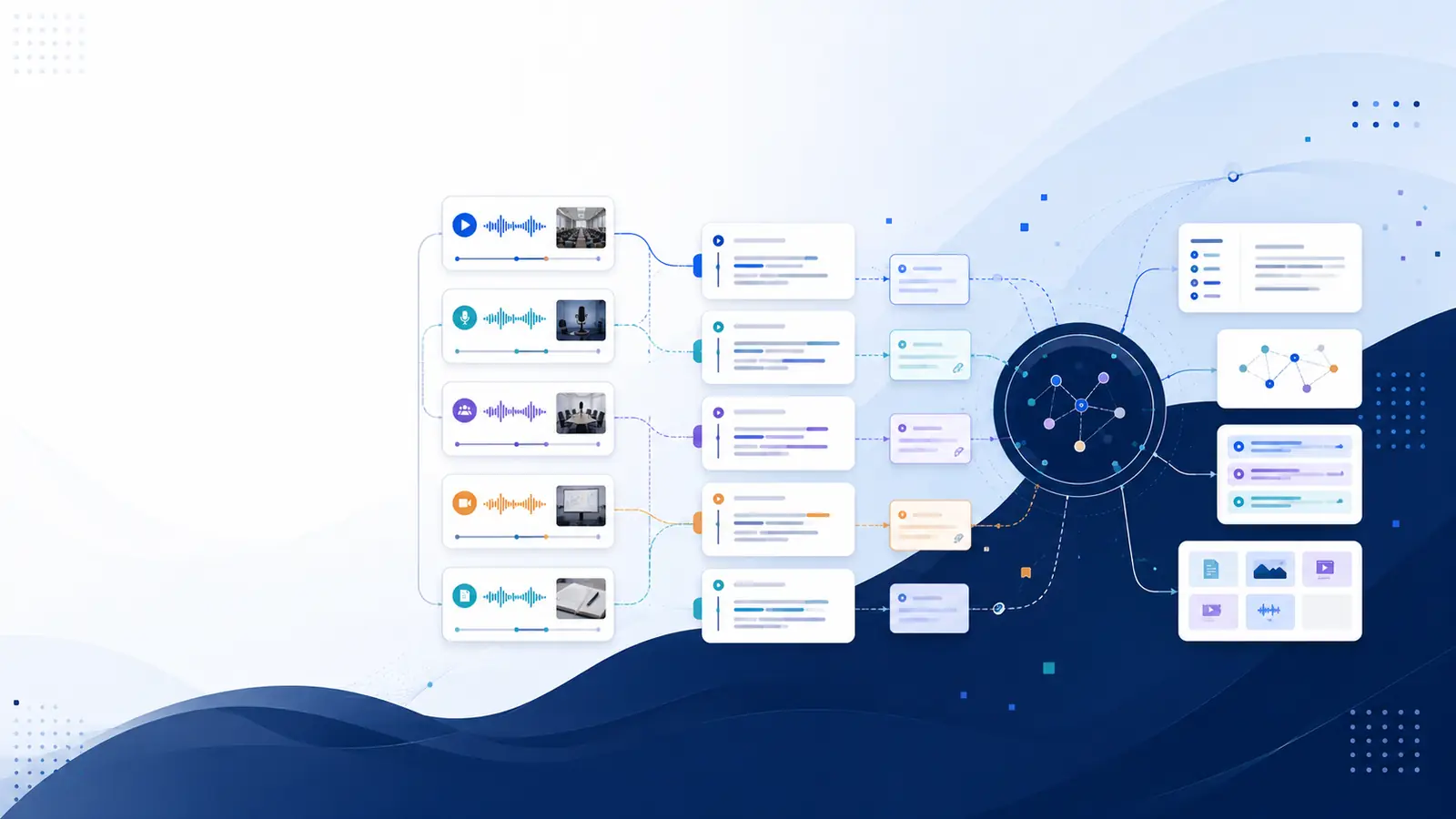
The key difference from other tools: everything stays searchable across your entire course library. If you've imported ten lectures from a data science course, you can search "gradient descent" and find every moment across all ten videos where that concept was discussed.
A Practical Workflow: Using Libraryminds for Online Courses
Here's a step-by-step workflow for students taking an online course (Coursera, Udemy, edX, or any platform):
Before the lecture:
Check your Libraryminds library for any previously imported videos on the same topic. Search for relevant concepts to activate prior knowledge before watching.
During the lecture:
Watch once at 1.25x or 1.5x speed. Don't pause to write extensive notes. Trust that you'll have the transcript.
Make one brief note per major concept — a trigger word or phrase, not a full explanation.
After the lecture:
Import the video into Libraryminds (paste the YouTube URL, or upload the file).
Wait for the transcript and AI chapters to generate (usually under two minutes for a 45-minute lecture).
Review the AI-generated chapter overview to confirm your understanding of the structure.
Search for any concept you're fuzzy on. Click the timestamp and watch just that 60-second clip.
Add your own notes at key timestamps.
Generate flashcards from the lecture content for active recall practice.
When studying for exams:
Search across your entire course library by concept, not by video.
Use the Q&A feature to test your understanding: ask a question and see if the answer you get from the transcript matches what you'd write.
Review flashcards generated from earlier lectures.
This workflow replaces both passive rewatching and disconnected note-taking with a system where your knowledge is organized, searchable, and linked to its source.
Why This Approach Improves Retention
Beyond saving time, the transcript-first approach actually helps you remember more. By shifting your focus from passive consumption to active engagement, you improve your ability to retain complex information.
The generation effect: When you formulate a question and search for the answer in your transcript, you are engaging the generation effect—the cognitive phenomenon where information you actively retrieve is remembered better than information you passively re-read or re-watch.
Spaced repetition: Reviewing key concepts at spaced intervals is more effective for long-term retention than rewatching entire lectures. This method forces your brain to work harder to recall information, which strengthens memory pathways.
Reduced cognitive load: When you are not simultaneously trying to watch, understand, and write notes, you process the content more deeply on the first viewing. Some students find that watching a lecture in real time without pausing helps them focus on the lecturer's core arguments, whereas others prefer the transcript-first method to prioritize structured note-taking and concept mapping. Both approaches offer different benefits; real-time viewing emphasizes the flow of ideas, while transcript-based study allows for precise, non-linear review of specific details.
Active synthesis: Using transcripts allows you to organize ideas into mind maps or summaries, which encourages you to connect new information to existing knowledge rather than simply recording what was said.
Sources reviewed: learningcenter.unc.edu, snhu.edu.
Frequently Asked Questions
Can I use Libraryminds for courses on Coursera, Udemy, or edX? Yes. If the course lectures are available on YouTube or as downloadable video files, you can import or upload them directly. Libraryminds supports MP4, MOV, MKV, and most common video formats, as well as direct YouTube URL imports.
Does Libraryminds work with lectures in languages other than English? Yes. Libraryminds transcribes in multiple languages including Hindi, Spanish, French, German, Portuguese, Chinese, Japanese, Korean, and Arabic. You can also translate any completed transcript to another language without re-uploading the video.
How accurate is the AI transcription for technical academic content? Libraryminds uses a multi-provider transcription cascade (Groq Whisper → Deepgram Nova-2 → OpenAI Whisper) to maximize accuracy, especially for technical vocabulary. For most academic lectures with clear audio, accuracy is high enough to rely on for study purposes.
Does Libraryminds store my video files? No. Videos are deleted immediately after processing. Only the searchable text transcript is stored in your library. This is by design — the goal is knowledge retrieval, not video storage.
Is this useful for live recorded lectures, not just pre-recorded courses? Absolutely. If your university records live lectures and makes them available as video files, you can upload them the same way. Many students find this especially useful for lectures in fast-paced subjects like medicine, law, or engineering.
Can I share my lecture transcripts with classmates? Yes. Any completed transcript can be shared as a public link. Your classmates can read and search the transcript without needing a Libraryminds account.
The Bottom Line
Rewatching video lectures is not studying. It's a symptom of a broken workflow — one where knowledge is locked inside a format that wasn't designed for retrieval.
The students who perform best in online courses aren't the ones who watch the most. They're the ones who can find what they need, recall it under pressure, and connect new concepts to what they already know.
A searchable, timestamped transcript library is the infrastructure that makes that possible.
If you're currently taking online courses and spending significant time scrubbing through videos to find information you've already learned, the fix isn't watching more carefully the first time. The fix is changing the format you store and retrieve from.
Try Libraryminds free — 10 minutes of transcription included, no credit card required.
This article was written by the Libraryminds Team. Libraryminds is an AI-powered video knowledge engine that turns your video content into a searchable personal library.