Tutorial
How to Search Videos Like Notes (Not Rewatch Them)
Introduction: The Real Problem With Video Learning You watch a 45-minute YouTube video. It feels productive. A week later, you remember nothing . You try scrubbing the timeline, guessing where that “important part” was.
Introduction: The Real Problem With Video Learning
You watch a 45-minute YouTube video.
It feels productive.
A week later, you remember nothing.
You try scrubbing the timeline, guessing where that “important part” was.
You don’t need the whole video.
You just need one answer.
This is where video learning breaks.
Videos are great for explanation but terrible for recall.
Unlike books or notes, you can’t search what you learned.
That’s the gap Libraryminds was built to fix.
Why Searching Videos Is Hard (And Rewatching Fails)
Video platforms were designed for watching, not remembering.
Here’s what usually happens:
❌ You remember what you learned, not where
❌ Scrubbing wastes time and energy
❌ Long videos feel heavier every revisit
❌ Passive watching creates false confidence
Books don’t have this problem because:
You can search
You can skim
You can jump directly to meaning
So the real question becomes:
What if videos worked like searchable notes?
What “Search Videos” Actually Means
Searching videos does not mean:
Downloading videos
Watching at 2× speed
Replaying the same sections again
It means:
Searching words, ideas, and moments
Jumping directly to the exact timestamp
Treating video knowledge like text memory
To do this, videos must first become structured text.
How Transcripts Turn Videos Into Knowledge
When a video is converted into a clean transcript with timestamps:
You can:
Search keywords instantly
Jump to the exact second
Skim instead of watch
Read faster than real-time
Recall information days or months later
This is the same reason:
We remember books better than lectures
Notes outperform recordings
Search beats scrolling
From Transcript to Video Knowledge Library
A single transcript helps.
A library of transcripts changes everything.
A video knowledge library lets you:
Search across all your videos
Reuse past learning instantly
Connect ideas across sources
Stop re-consuming the same content
This is how learning becomes cumulative, not repetitive.
How Libraryminds Approaches Video Search (Differently)
Most tools stop at transcription.
Libraryminds goes further without storing your videos.
What happens instead:
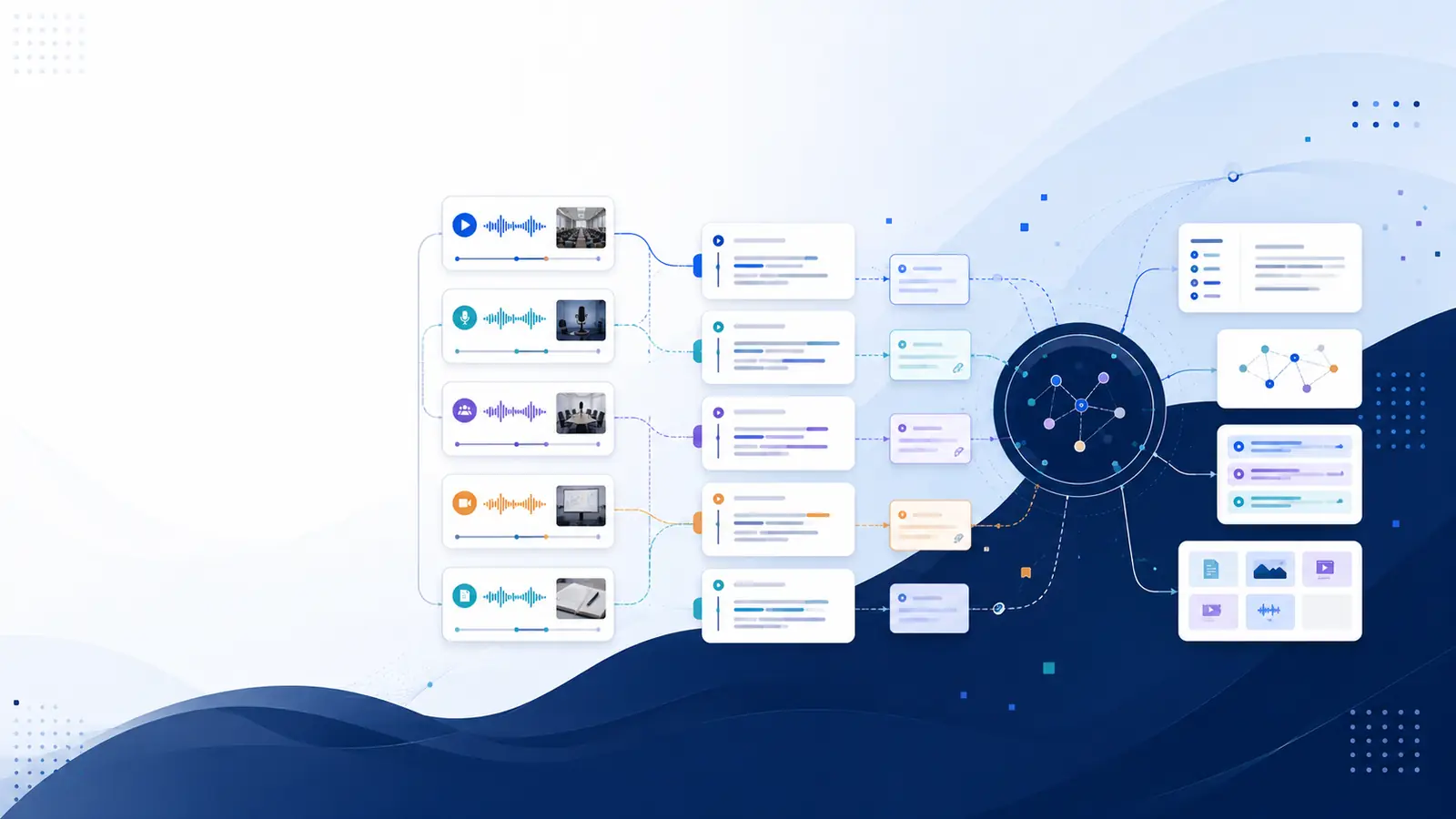
Your video - text with word-level timestamps
Text becomes searchable memory
You search ideas, not files
Key advantages:
No video storage
No copyright risk
No privacy compromise
Works with your uploads and YouTube captions
You’re not managing files.
You’re building personal memory infrastructure.
Real Use Cases: Searching Instead of Rewatching
🎓 Students
Find formulas, definitions, examples instantly
Revise before exams without replaying lectures
👨💻 Professionals
Search meetings, trainings, workshops
Reuse insights months later
🎥 Content Learners
Search long YouTube videos
Extract quotes, notes, and summaries
🌍 Multilingual Learners
Learn in one language
Search and read in another
Learn Without Watching Videos (Again)
The future of learning isn’t faster playback.
It’s less playback.
When you can:
Search instead of scroll
Read instead of replay
Recall instead of rewatch
Video finally works for your brain, not against it.
FAQs
Can I search inside videos without rewatching them?
Yes. If a video is converted into a searchable transcript with timestamps, you can search specific words and jump directly to that moment.
Is YouTube transcript search enough?
YouTube transcripts are fragmented and not built for recall. A dedicated video knowledge library makes searching consistent and reusable.
Do I need to store my videos to search them?
No. With the right approach, only text is stored. Videos can be deleted immediately after transcription.
Is searching videos better than taking notes?
Searching complements notes. It lets you retrieve exact moments without rewriting everything manually.
Who benefits most from searchable video notes?
Students, professionals, creators, and anyone who learns from long videos regularly.
If you’ve ever thought
“I know I learned this somewhere… but where?”
You don’t need better focus.
You need searchable memory.
Try Libraryminds for free — upload once, understand everything.