Education
How to Study From Video Lectures Without Rewatching
How to Study From Video Lectures Without Rewatching Them Again and Again If you’ve ever tried studying from video lectures, you already know the problem. You remember the concept was explained. You just don’t remember where .
How to Study From Video Lectures Without Rewatching Them Again and Again
If you’ve ever tried studying from video lectures, you already know the problem.
You remember the concept was explained.
You just don’t remember where.
So you scrub the timeline.
You rewatch parts you already understand.
You lose time.
You get frustrated.
And somehow, studying from a 1-hour video takes longer than attending the lecture itself.
This isn’t a focus problem.
It’s a format problem.
Why Rewatching Videos Is a Terrible Study Strategy
Rewatching feels productive, but it’s mostly passive.
Your brain recognizes information when it sees it again, which creates the illusion of learning — without real recall.
That’s why students often say:
“I understand it while watching, but I can’t explain it later.”
Videos are great for explanation.
They’re terrible for revision.
The Real Reason Video-Based Studying Feels Hard
Text is searchable.
Video is not.
When studying from books or notes, you can:
Scan headings
Jump to keywords
Revisit exact points
Revise selectively
With videos, everything is locked inside a timeline.
That’s the bottleneck.
The Smarter Way to Study From Video Lectures
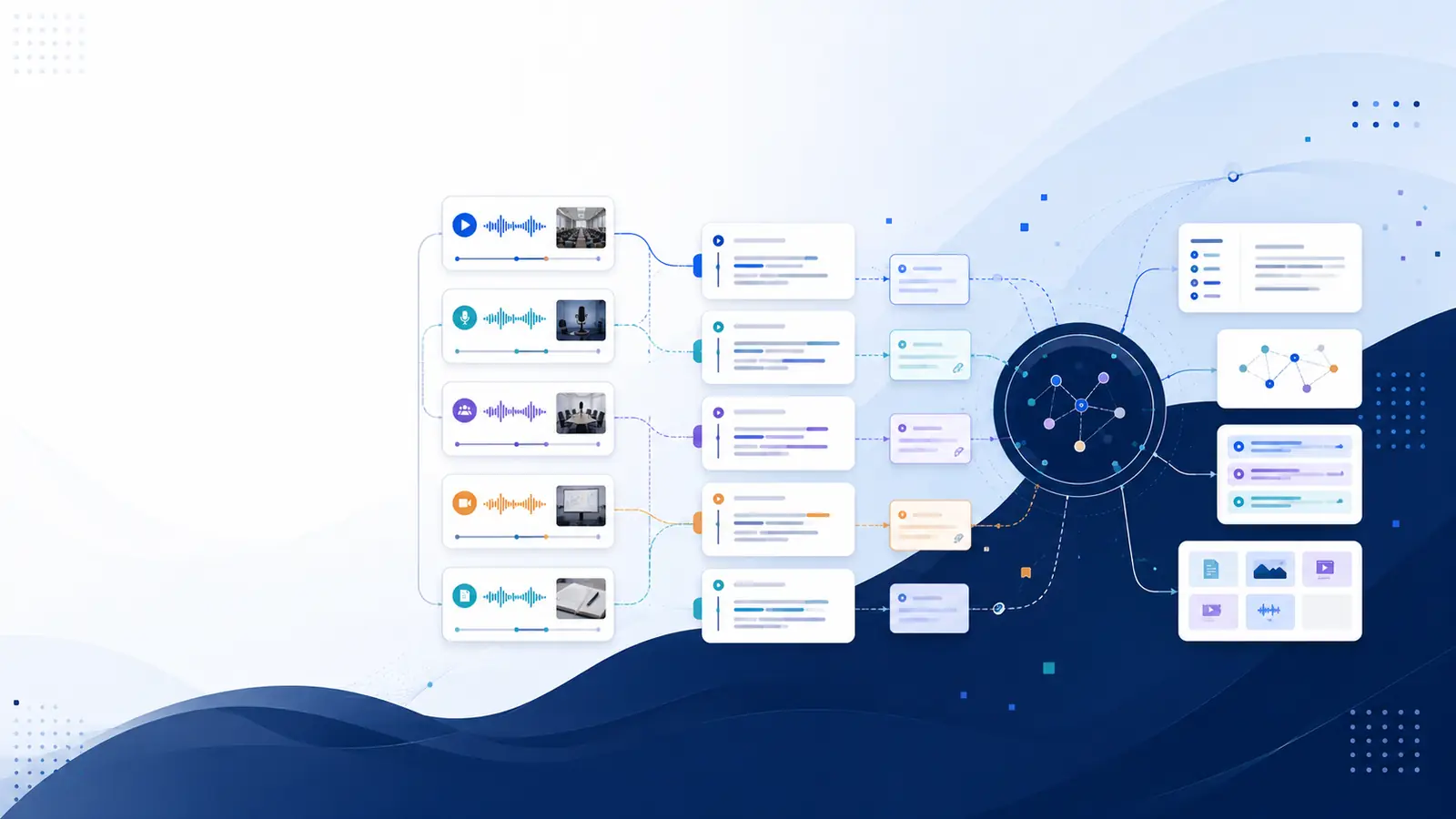
Instead of rewatching videos, convert them into structured text first.
Here’s the workflow that actually works:
Convert the video into a transcript
Use timestamps to keep context
Read and revise from text
Jump back to video only when needed
This flips video learning from passive to active.
Why Transcripts Change Everything for Students
With transcripts, you can:
Search for exact topics instantly
Copy explanations into your notes
Highlight key concepts
Revise faster before exams
Avoid watching entire lectures again
You stop studying the video.
You start studying the content.
How Timestamps Make Transcripts Even More Powerful
Plain transcripts help.
Timestamped transcripts help more.
If something isn’t clear while reading, you can jump straight to the exact moment it was explained — without guessing or scrubbing.
This saves massive time during:
Exam revision
Concept clarification
Last-minute prep
Who This Method Works Best For
This approach is especially effective for:
College students
Competitive exam aspirants
Online course learners
Certification prep
Self-paced learners
Anywhere long video lectures are involved, transcripts outperform rewatching.
Where Tools Like Libraryminds Fit In
Platforms like Libraryminds are designed around this exact workflow.
Instead of just converting speech to text, they focus on:
Timestamped transcripts
Clean, readable formatting
AI summaries for quick revision
Search across long videos
The goal isn’t more features.
It’s faster learning.
Final Thoughts
If studying from videos feels slow and exhausting, the problem isn’t you.
It’s the format.
Videos are great for teaching.
Text is better for revising.
The smartest learners don’t rewatch everything.
They convert, search, and revise.
Once you experience that shift, you won’t go back.
Related reading
Timestamped Transcription: Why It’s Becoming Essential for Video and Audio Content