Productivity
Why Meeting Recordings Fail as Documentation (And What Works)
Introduction: Why This Problem Keeps Repeating Teams record meetings more than ever. Status updates, planning calls, client discussions, internal reviews — everything gets recorded.
Introduction: Why This Problem Keeps Repeating
Teams record meetings more than ever.
Status updates, planning calls, client discussions, internal reviews — everything gets recorded. The assumption is simple:
“If it’s recorded, we can always refer back to it.”
But in practice, meeting recordings rarely work as documentation.
Important decisions get forgotten.
Action items get missed.
Context gets lost.
This raises an uncomfortable question:
Why do meeting recordings fail as documentation, even when teams have full access to them?
Why Teams Rely on Meeting Recordings in the First Place
Meeting recordings feel like a safe backup.
They promise:
Complete context
No information loss
Easy reference later
For busy teams, hitting “record” feels easier than writing notes or summaries.
But recordings solve capture, not retrieval — and that’s where the problem begins.
The Core Problem: Recordings Are Time-Based, Not Reference-Based
Documentation works when it’s easy to:
Scan
Search
Reference
Meeting recordings don’t support this.
A recording is:
Linear
Time-consuming to review
Difficult to navigate without exact timestamps
If someone remembers what was discussed but not when, the recording becomes impractical.
This is why teams often avoid revisiting recordings altogether.
Why Meeting Recordings Fail as Documentation
1. No Searchability
You can’t search inside raw video or audio files.
Without text, there’s no way to:
Look up a keyword
Find a decision instantly
Jump to a relevant moment
Rewatching becomes the only option — and that doesn’t scale.
2. Poor Accessibility for Daily Work
Documentation should support quick decisions.
But recordings require:
Dedicated listening time
Full attention
Context rebuilding
For most professionals, this friction is too high.
3. Decisions Get Buried in Conversations
Meetings are rarely structured.
Decisions are often:
Spread across discussions
Made casually mid-conversation
Referenced indirectly
Without structure, recordings hide what matters most.
4. Recordings Don’t Support Accountability
Good documentation answers:
What was decided?
Who agreed?
When was it discussed?
Recordings make this unclear unless someone replays the entire discussion.
Meeting Notes vs Recordings: Why Notes Still Matter
Traditional meeting notes exist for a reason.
They:
Summarize decisions
Highlight action items
Remove unnecessary detail
But manual note-taking has its own limitations:
Incomplete capture
Missed context
Subjective interpretation
This creates a false choice:
either notes or recordings.
In reality, teams need something better.
What Actually Works Better Than Raw Recordings
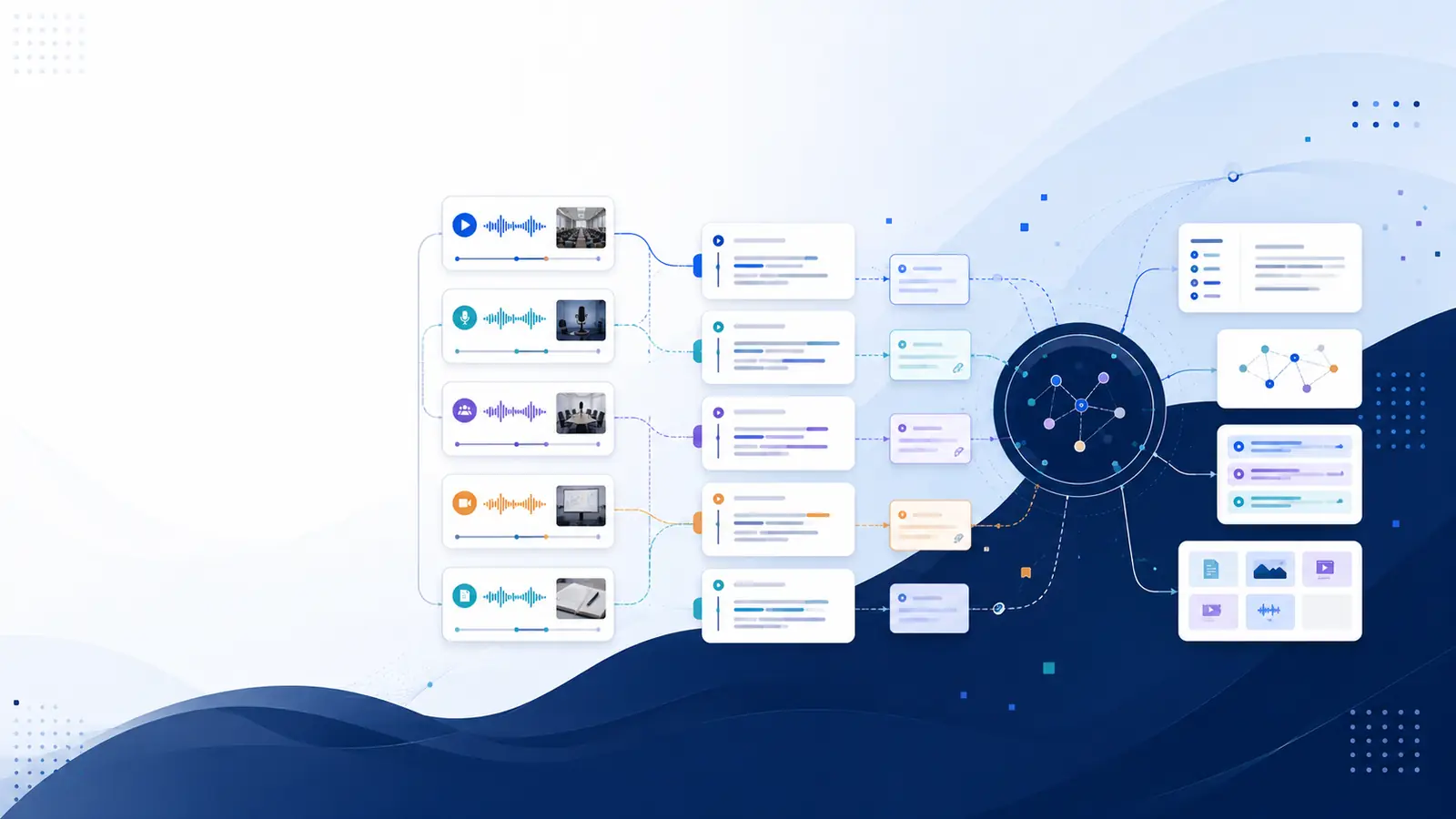
The most effective approach combines recordings + structure.
That structure usually comes from text.
When meetings are converted into searchable text:
Content becomes scannable
Decisions are easier to find
Context is preserved
This is where searchable meeting transcripts outperform raw recordings.
How Searchable Transcripts Change Meeting Documentation
A searchable transcript allows teams to:
Search for keywords like “deadline” or “budget”
Jump directly to the exact moment a topic was discussed
Review conversations without replaying full meetings
Use meetings as references, not tasks
📸 Screenshot reference: Transcript view showing timeline-based search and clickable timestamps
This shifts meetings from passive recordings into usable documentation.
Where Libraryminds Fits In
Libraryminds is designed around this exact problem.
Instead of treating meetings as files to store, it focuses on making conversations searchable and reviewable.
Key capabilities include:
AI transcription with word-level timestamps
Timeline-based search to find moments instantly
Speaker identification for multi-person meetings
Clean vs raw transcript toggle for clarity
Enhanced transcript quality score for confidence
Download formats: TXT, SRT, VTT
Transparent, usage-based billing
190 free minutes every month (no credit card)
📸 Screenshot reference: Timeline search highlighting a keyword inside a meeting transcript
This approach supports documentation without forcing teams to rewatch recordings.
Real Use Cases
🧑💼 Business Teams
Review past decisions without replaying calls.
🧠 Managers
Confirm agreements and accountability quickly.
🧑💻 Remote Teams
Reduce miscommunication across time zones.
📊 Operations & Compliance
Maintain searchable records of discussions.
Why This Matters More as Teams Scale
As organizations grow:
Meetings increase
Knowledge fragments
Memory becomes unreliable
Relying solely on recordings makes this worse.
Raw meeting recordings, whether stored locally or in the cloud
Sources reviewed: lsuhsc.edu, it.cornell.edu.
FAQs
Are meeting recordings enough for documentation?
No. They capture conversations but are hard to search and reference.
Why don’t teams revisit recordings?
Because reviewing long recordings takes too much time and effort.
What’s better than raw meeting recordings?
Searchable transcripts with timestamps and speaker context.
Do transcripts replace meeting notes?
They complement notes by preserving full context while remaining searchable.
Final Thoughts
Meeting recordings solve one problem: capture.
Documentation solves another: access.
When teams rely only on recordings, decisions get lost and time gets wasted.
When meetings become searchable and structured, they turn into reliable documentation.
That difference defines whether meetings help teams move forward — or quietly slow them down.
Related reading
👉 Try Libraryminds for free — upload once, understand everything.