AI Transcription
How to Make Video Recordings Useful for Learning
Recording video is simple; making it useful takes steps. Learn how to convert recordings into searchable, timestamped transcripts, generate summaries and flashcards, and build a review workflow that helps you retain and reuse learning.
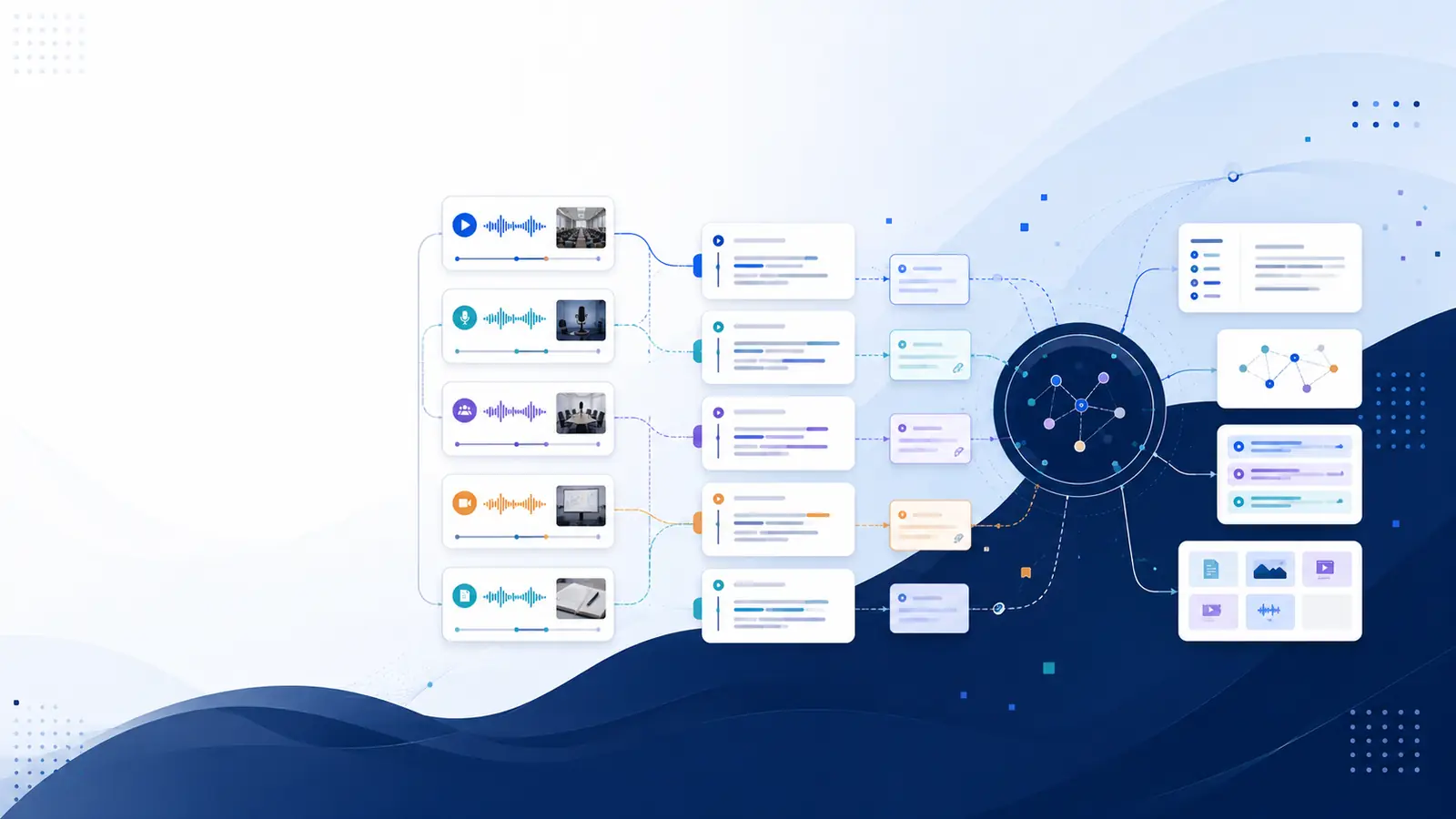
Why recordings alone won’t serve your learning goals
Video recordings capture moments, but they rarely become a practical reference unless you convert them into searchable, timestamped text. Without a transcript you must watch linear footage to find a single idea, which breaks concentration and wastes time. The fastest route from footage to usable learning is transcription plus tools that link text to exact moments in the recording. That approach makes it possible to scan for concepts, quote precise wording, and jump directly to the supporting clip. If you want a hands-on next step, try the free YouTube transcriber to pull a timestamped transcript from public videos and see how text changes accessibility.
Convert videos into searchable, scannable text
Start by creating a timestamped transcript for every recording you expect to reuse. Transcripts let you search by keywords and by meaning, letting you find answers even if you forget the exact phrasing used in a lecture or meeting. Some platforms provide semantic search that understands intent and surfaces the right moment based on meaning rather than exact words. A transcript paired with timestamps turns a video into a reference: you can copy excerpts for notes, cite the original minute, and verify the source quickly. For a practical walkthrough on setup and common pitfalls, consult the guide on how to transcribe webinar recordings.
Extract study-ready content: summaries, chapters, flashcards
Once you have a transcript, generate condensed study artifacts. Create an AI summary to capture key takeaways and split long lectures into chapters so you can navigate by topic. Convert important segments into flashcards for spaced review to reinforce retention. These derived artifacts save significant time compared with full rewatching and make review sessions more focused. If you prefer a tool that can produce summaries and flashcards directly from transcripts, explore the features page to learn what outputs are typically available and how summaries are linked back to source timestamps for verification.
Build a searchable library and retrieval workflow
Organize transcripts and derived notes into a personal library with consistent tags, session titles, and topic folders. Use semantic search across the library to ask natural-language questions and locate the best supporting clip. When the system returns a result, jump to the exact timestamp to confirm meaning and context before adding the clip to your notes. For recurring study, group related recordings into focused research sessions so you can synthesize across materials without losing the original timestamps. A documented workflow—import, transcribe, tag, summarize, review—turns raw footage into reusable knowledge rather than a forgotten archive.
Verify accuracy and manage friction points
Automated transcripts are a powerful starting point but expect occasional errors from poor audio, overlapping speech, or technical terms. Always verify crucial quotes against the timestamped transcript and the recording. Use speaker labels where available to attribute statements correctly in group recordings. To reduce friction, use an ingest method that fits your routine—direct upload, browser voice recording, or paste an audio/video URL—and enable exports to formats you already use in notes or reference managers. These small checks keep your searchable library reliable for study and citation.
Make review effective: scheduling and spaced practice
Turn searchable artifacts into a review loop. After creating summaries and flashcards, set short, regular review sessions focused on the highest-value chapters. Use flashcards generated from transcript content to practice active recall instead of passive rewatching. Track which recordings and topics you revisit least often and prioritize them. Some platforms provide built-in knowledge-decay signals that surface content you haven’t revisited recently; consider tools with that capability if you need automated reminders to re-study core material.
Where specialized tools help and what to expect
Choose tools that offer timestamped transcripts, semantic search, and export options to integrate with your note system. For example, Libraryminds transcription and Libraryminds semantic search turn recordings into a private, searchable knowledge library, and Libraryminds ai summaries link back to exact moments in the original file. If you need speaker labels, ask whether speaker diarization and features like Ask My Library, translation, or public sharing are available on Plus and higher plans, and whether knowledge decay tracking is offered on Pro and higher plans. Test the export and import paths (PDF, Markdown, SRT, and others) so your workflow remains flexible across tools.
Frequently asked questions
How does a transcript make video learning faster?
A transcript converts audio into text that you can scan and search, so you can find specific explanations without replaying whole sections. Timestamped transcripts let you jump to the precise moment to check context or capture a quote.
Can automated summaries replace note-taking?
Automated summaries speed up review by highlighting key points, but they work best when you verify and edit them. Treat summaries as drafts to refine into annotated notes that reflect your understanding.
Is speaker labeling necessary for study recordings?
Speaker labels help when multiple people speak and you need to attribute ideas or decisions. For group study sessions or interviews, labels make follow-up and citation more reliable.
How do I handle poor audio quality?
Improve recordings where possible (closer mic, quieter environment). For existing poor audio, combine manual correction with the transcript and review critical passages against the original audio to ensure accuracy.
What are simple first steps to make recordings useful?
Start with one recording: create a timestamped transcript, generate a short summary, and make a few flashcards. That minimal loop shows how searchable transcripts transform passive footage into reusable learning material.