Information
AI Notes from Videos: How People Learn Faster Without Rewatching in 2026
Why Video Learning Still Feels Slow Videos are everywhere in 2026. Online courses. YouTube tutorials. Recorded meetings. Training sessions.
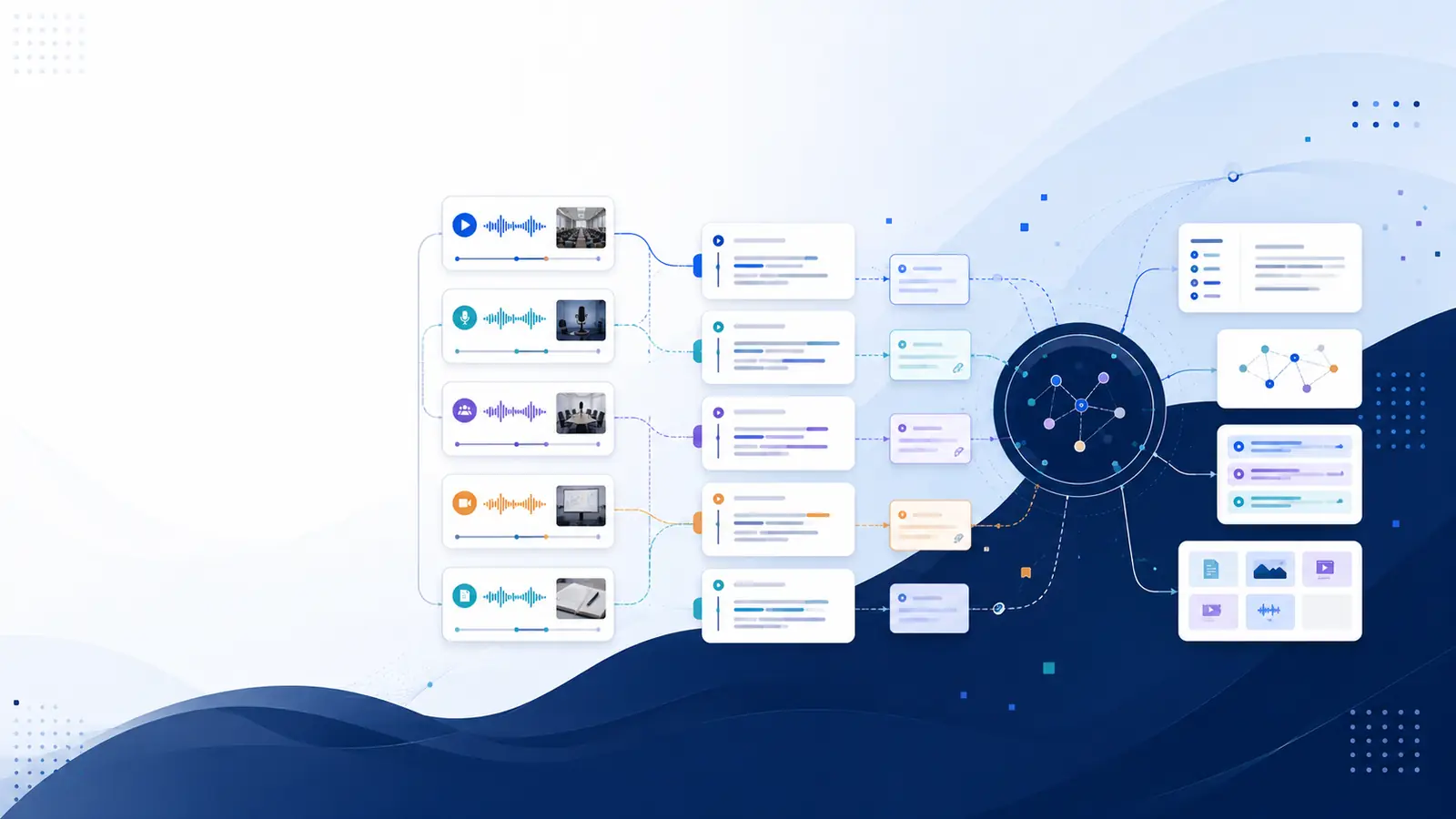
Why Video Learning Still Feels Slow
Videos are everywhere in 2026.
Online courses.
YouTube tutorials.
Recorded meetings.
Training sessions.
Yet most people face the same problem:
Videos are long
Finding one point takes too much time
Rewatching wastes energy
Notes are incomplete or inaccurate
Watching videos is easy. Extracting knowledge from them is not.
This is where AI notes from videos change the entire experience.
What Are AI Notes from Videos?
AI notes from videos are automatically generated text notes created from video content using AI transcription.
Instead of manually writing notes, AI:
Converts speech into text
Adds timestamps
Separates speakers
Makes the content searchable
You don’t just get text — you get structured, usable notes linked directly to the video.
Why AI Video Notes Matter in 2026
In 2026, attention is limited and content is unlimited.
AI notes help by:
⏱️ Saving hours of rewatching
🔍 Letting you search instead of scrub timelines
🧠 Improving recall and understanding
📚 Turning videos into reference material
📈 Making learning faster and repeatable
Once notes are searchable, videos stop feeling heavy.
Who Benefits Most from AI Notes?
🎓 Students & Learners
• Turn lectures into revision notes
• Jump to exact explanations
• Reduce exam stress
🧑💼 Professionals & Teams
• Review meetings faster
• Track decisions clearly
• Avoid miscommunication
🎥 Creators & Educators
• Repurpose video content
• Create blogs and summaries
• Improve accessibility
📰 Researchers & Writers
• Quote accurately
• Maintain context
• Save research time
How AI Creates Notes from Videos (Simple Process)
You don’t need technical skills.
Step 1: Upload the Video or Link
This can be a YouTube video, lecture recording, or meeting file.
Step 2: AI Transcribes the Video
Libraryminds generates:
⏱️ Word-level timestamps
🗣️ Speaker identification
🧼 Clean vs raw transcript versions
📊 Transcript quality score
Step 3: Use the Transcript as Notes
Search keywords, copy sections, or jump to moments instantly.
Step 4: Download or Reuse
Export notes in TXT for studying or SRT/VTT for captions.
AI Notes vs Traditional Note-Taking
Traditional notes:
❌ Miss details
❌ Depend on writing speed
❌ Hard to revise
AI-generated notes:
✅ Capture everything
✅ Searchable anytime
✅ Accurate and structured
✅ Easy to reuse
That’s why more people are replacing manual notes with AI.
Why Libraryminds Is Ideal for AI Video Notes
Libraryminds focuses on understanding, not just transcription.
Key advantages:
⏱️ Word-level timestamps
🔍 Search-to-timeline navigation
🗣️ Speaker identification
🧼 Clean vs raw transcript toggle
📥 TXT, SRT, VTT downloads
📊 Enhanced transcript quality score
💳 Transparent usage-based pricing
Perfect for videos, lectures, meetings, and long-form content.
Is It Free and Practical to Use Daily?
Yes.
With Libraryminds, you can:
✔ Try AI notes for free
✔ Process long videos
✔ Search content instantly
✔ Download notes anytime
No credit card required to get started.
Frequently Asked Questions
Can AI notes replace manual notes?
Yes, many people now use AI notes as their primary study or reference material.
Does this work for long videos?
Yes. Multi-hour videos are fully supported.
Are timestamps included?
Yes. Word-level timestamps allow instant verification.
Can I use this for YouTube videos?
Absolutely. YouTube links are fully supported.
Final Thoughts
In 2026, learning faster matters more than learning longer.
AI notes from videos help you:
Save time
Reduce mental load
Find answers instantly
Reuse knowledge efficiently
Instead of rewatching videos, search your notes and move forward.