Information
Search Inside Videos: How AI Is Replacing Rewatching in 2026
Why Rewatching Videos Is a Hidden Time Drain Videos are everywhere in 2026. Online courses. YouTube tutorials. Recorded meetings. Training sessions.
Why Rewatching Videos Is a Hidden Time Drain
Videos are everywhere in 2026.
Online courses.
YouTube tutorials.
Recorded meetings.
Training sessions.
Yet most people face the same frustration:
Videos are long
Finding one specific point takes too much time
Scrubbing timelines breaks focus
Rewatching feels exhausting
The problem isn’t video content. It’s access to information inside videos.
This is why the ability to search inside videos is becoming essential.
What Does “Search Inside Videos” Actually Mean?
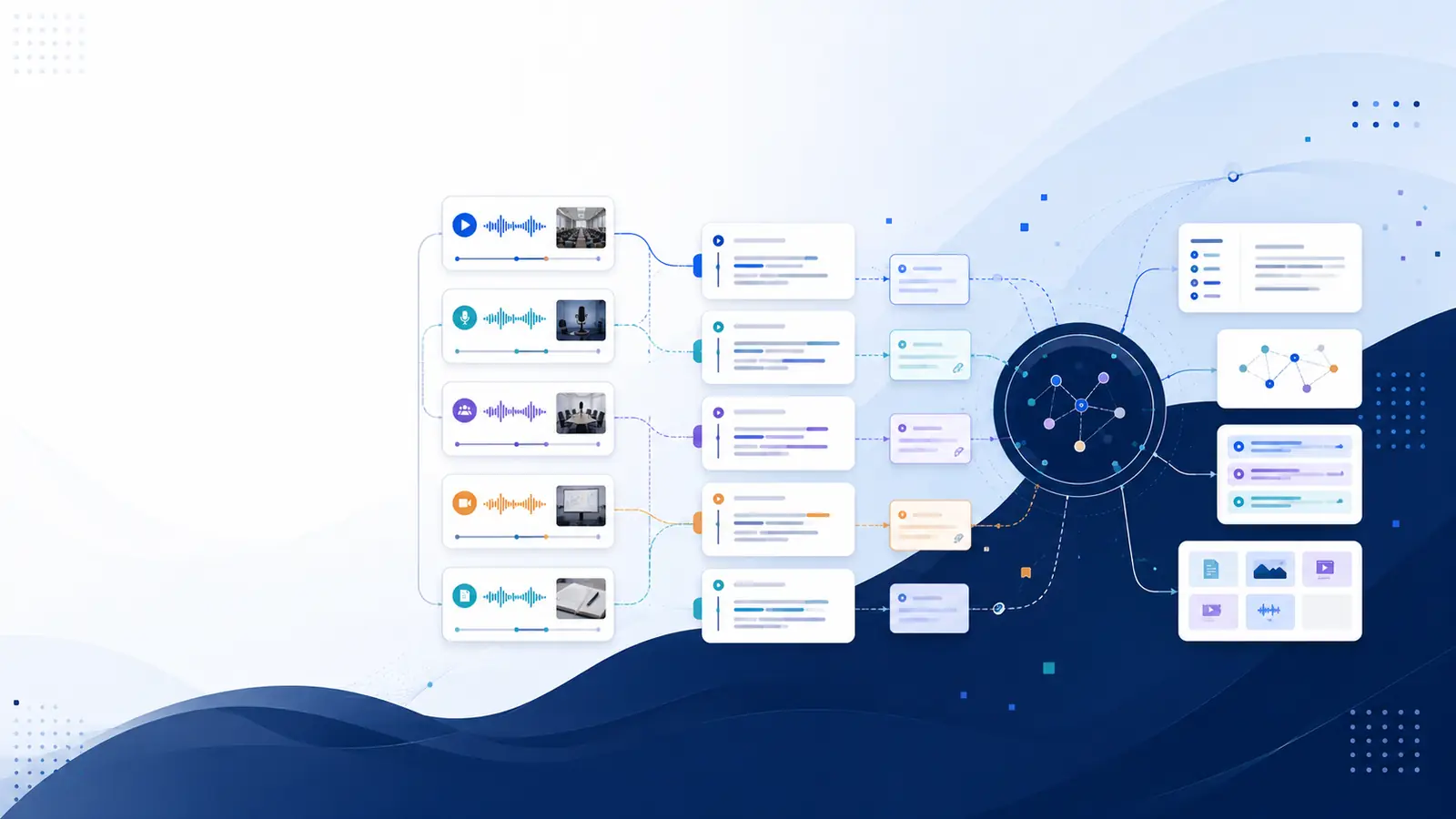
Searching inside videos means using AI to turn video content into searchable text linked to timestamps.
Instead of manually rewatching, you can:
Type a keyword
Jump to the exact moment it’s spoken
Hear it again in context
This is possible because AI converts video into:
Text transcripts
Word-level timestamps
Speaker-separated conversations
Videos stop being passive content and become interactive knowledge.
Why Searching Beats Rewatching (Every Time)
Rewatching videos:
❌ Takes time
❌ Reduces concentration
❌ Still misses details
Searching inside videos:
✅ Instant results
✅ Precise answers
✅ Verifiable context
✅ Repeatable anytime
Once people experience searchable videos, they rarely go back to rewatching.
Who Benefits the Most from Searching Inside Videos?
🎓 Students & Learners
• Find exam-relevant explanations
• Revise faster
• Turn lectures into searchable notes
🧑💼 Professionals & Teams
• Search meetings and training videos
• Verify decisions
• Avoid miscommunication
🎥 Content Creators
• Locate old insights
• Repurpose videos into blogs
• Extract quotes easily
📰 Researchers & Writers
• Quote accurately
• Maintain context
• Save review time
How AI Enables Search Inside Videos
Behind the scenes, AI makes this possible through four steps:
Speech-to-Text Conversion
AI transcribes everything spoken in the video.Timestamp Mapping
Each word is linked to an exact moment in the video.Speaker Identification
Different voices are separated for clarity.Search Indexing
The transcript becomes searchable like a document.
This combination allows true video search, not guesswork.
Why This Matters More in 2026
In 2026:
Content volume is massive
Attention spans are limited
Teams work asynchronously
Learning is continuous
Searching inside videos helps people:
⏱️ Save hours every week
🧠 Reduce mental load
📌 Find answers instantly
📂 Build reusable knowledge
Video search is no longer a “nice to have.”
It’s a productivity upgrade.
How Libraryminds Makes Video Search Practical
Libraryminds is designed for finding answers, not just transcribing.
It offers:
⏱️ Word-level timestamps
🔍 Search-to-timeline navigation
🗣️ Speaker identification
🧼 Clean vs raw transcript toggle
📥 TXT, SRT, VTT downloads
📊 Enhanced transcript quality score
💳 Transparent usage-based pricing
This makes searching inside videos fast, accurate, and reliable.
Is Searching Inside Videos Free to Try?
Yes.
With Libraryminds, you can:
✔ Try video transcription for free
✔ Upload long videos
✔ Search content instantly
✔ Download transcripts anytime
No credit card required to get started.
Frequently Asked Questions
Can I search inside YouTube videos?
Yes. YouTube links are fully supported.
Does this work for long videos?
Yes. Multi-hour videos and meetings are supported.
Are timestamps accurate?
Yes. Libraryminds provides word-level timestamps.
Can I identify who said what?
Yes. Speaker identification is automatic.
Final Thoughts
Videos aren’t the problem.
Rewatching is.
In 2026, the smartest way to use video content is to:
Search instead of scrub
Jump instead of guess
Verify instead of remember
Libraryminds helps you turn videos into searchable intelligence you can rely on.
Try Libraryminds for free — upload once, understand everything.