Information
Video to Text in 2026: The Smart Way to Extract Knowledge from Videos
Why Videos Are Full of Knowledge — but Hard to Use Videos dominate learning and communication today. From YouTube tutorials and online courses to meetings and interviews, everything is recorded.
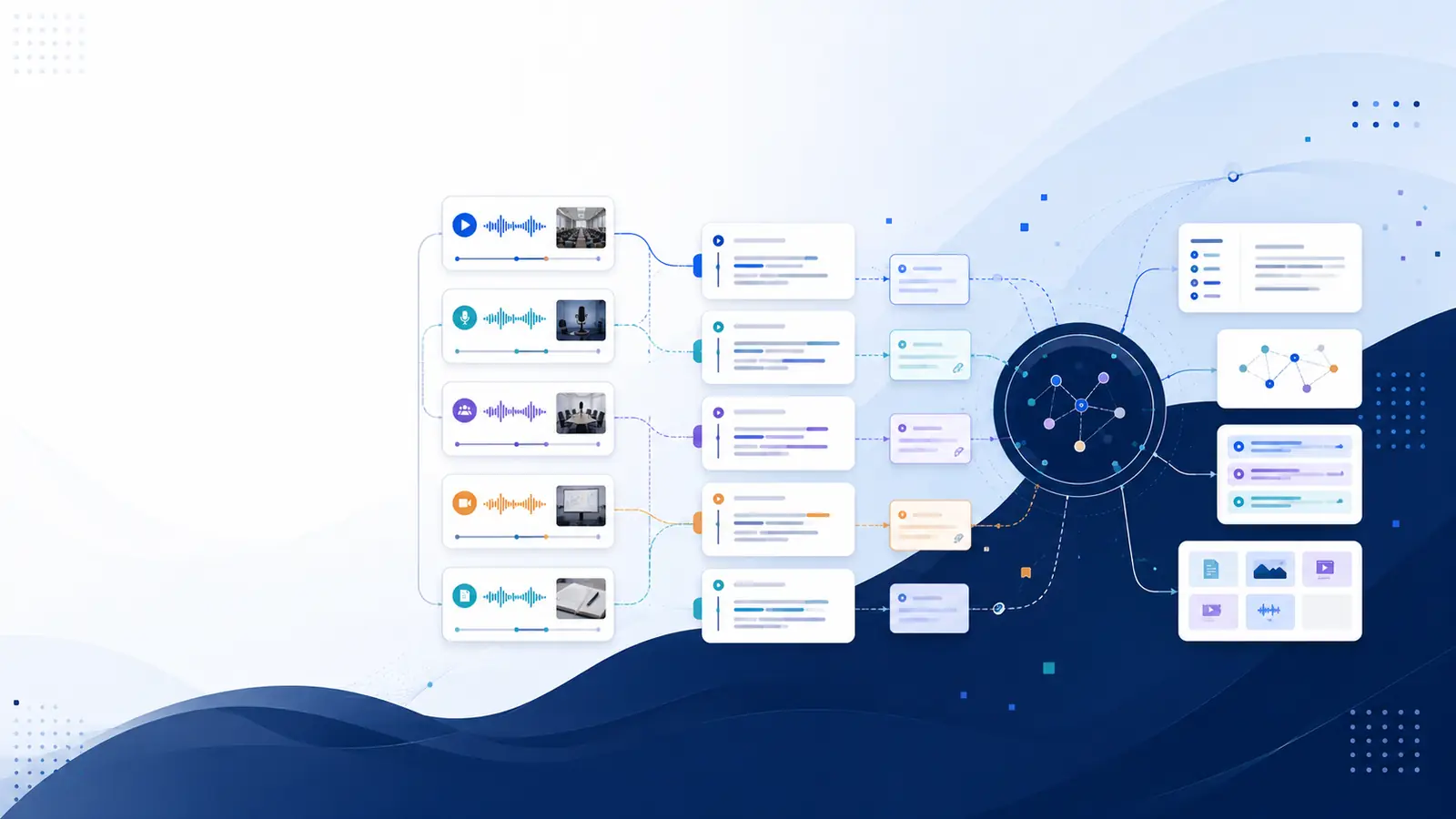
Why Videos Are Full of Knowledge — but Hard to Use
Videos dominate learning and communication today.
From YouTube tutorials and online courses to meetings and interviews, everything is recorded.
But there’s a problem:
Videos are time-consuming
Videos are not searchable
Important insights get buried in long recordings
Watching videos is easy. Finding information inside them is not.
That’s why video-to-text conversion has become essential in 2026.
What Does “Video to Text” Actually Mean?
Video to text means converting spoken content from a video into accurate, readable text using AI.
Modern AI transcription doesn’t just give text — it gives:
⏱️ Timestamps linked to speech
🗣️ Speaker identification
🔍 Searchable transcripts
Instead of rewatching, you search the video like a document.
Why Video-to-Text Matters More in 2026
In 2026, content volume is massive — but attention is limited.
Video-to-text helps you:
⏱️ Save hours every week
📌 Find exact moments instantly
🧠 Understand and retain information better
📂 Create searchable knowledge bases
📈 Reuse content across platforms
Without transcripts, videos remain locked content.
Who Uses Video-to-Text the Most?
🎓 Students & Learners
• Convert lectures into study notes
• Revise faster before exams
• Search concepts instantly
🎥 Content Creators
• Turn videos into blogs & posts
• Create subtitles easily
• Improve accessibility & SEO
🧑💼 Professionals & Teams
• Search recorded meetings
• Document discussions accurately
• Share exact references
📰 Researchers & Writers
• Quote videos precisely
• Maintain context
• Reduce review time
How Video-to-Text Conversion Works (Simple Steps)
You don’t need editing skills or technical knowledge.
Step 1: Upload the Video
Upload any video file or supported link.
Step 2: AI Transcribes Automatically
Libraryminds generates:
⏱️ Word-level timestamps
🗣️ Speaker identification
🧼 Clean & raw transcript versions
📊 Transcript quality score
Step 3: Search and Navigate
Type a keyword → jump directly to that moment in the video.
Step 4: Download or Reuse
Export transcripts in TXT, SRT, or VTT formats.
Video to Text vs Manual Note-Taking
Manual note-taking:
❌ Misses details
❌ Depends on memory
❌ Time-consuming
Video-to-text transcription:
✅ Captures everything
✅ Searchable
✅ Accurate
✅ Reusable
Once converted, videos become permanent reference material.
Libraryminds Advantage for Video-to-Text
Libraryminds is built for people who want clarity, speed, and understanding.
Key features include:
⏱️ Word-level timestamps
🗣️ Speaker identification
🔍 Timeline-based search
🧼 Clean vs raw transcript toggle
📥 TXT, SRT, VTT downloads
📊 Enhanced transcript quality score
💳 Transparent usage-based pricing
Perfect for videos, meetings, courses, and interviews.
Is Video-to-Text Free and Fast?
Yes.
With Libraryminds, you can:
✔ Try transcription for free
✔ Process long videos
✔ Search transcripts instantly
✔ Download text anytime
No credit card required to get started.
Frequently Asked Questions
Does video-to-text work for long videos?
Yes. Long videos and multi-hour recordings are supported.
Are timestamps included?
Yes. Libraryminds provides word-level timestamps.
Can I identify speakers?
Yes. Speaker detection is automatic.
Is video-to-text useful for learning?
Absolutely. It’s one of the fastest ways to extract knowledge.
Final Thoughts
Videos are powerful — but only when their content is accessible.
In 2026, video-to-text conversion is the smartest way to:
Save time
Learn faster
Reuse content
Build searchable knowledge
Libraryminds helps turn videos into text you can search, trust, and reuse.
Try Libraryminds for free — upload once, understand everything.