Video Transcription & Search
Is There a Search Engine to Search Inside Videos? Here’s the Practical Answer
Introduction This is a very common problem today. You save a 1–2 hour video, online class, meeting, or interview thinking you’ll “watch it later.” But when you actually need one important line, rewatching the entire video feels impossible.
Introduction
This is a very common problem today.
You save a 1–2 hour video, online class, meeting, or interview thinking you’ll “watch it later.”
But when you actually need one important line, rewatching the entire video feels impossible.
So people naturally ask:
Is there a search engine to search inside videos?
The short answer is: not in the traditional Google-style way — but there is a much smarter and more practical solution.
Let’s break it down clearly.
What Does “Searching Inside a Video” Actually Mean?
When people say they want to search inside videos, they usually mean:
Finding a specific word or sentence spoken
Jumping directly to the exact moment a topic is discussed
Searching across multiple videos at once
Avoiding watching the entire video again
Videos themselves are not searchable like text files.
To search a video, the spoken content must first be converted into text.
Why Google Can’t Search Inside Videos Directly
Search engines like Google understand:
Page text
Titles and descriptions
Captions and metadata
They do not understand raw audio inside a video.
If a video does not have accurate captions or transcripts, search engines cannot “read” what is being said.
That’s why searching inside videos depends entirely on video transcription.
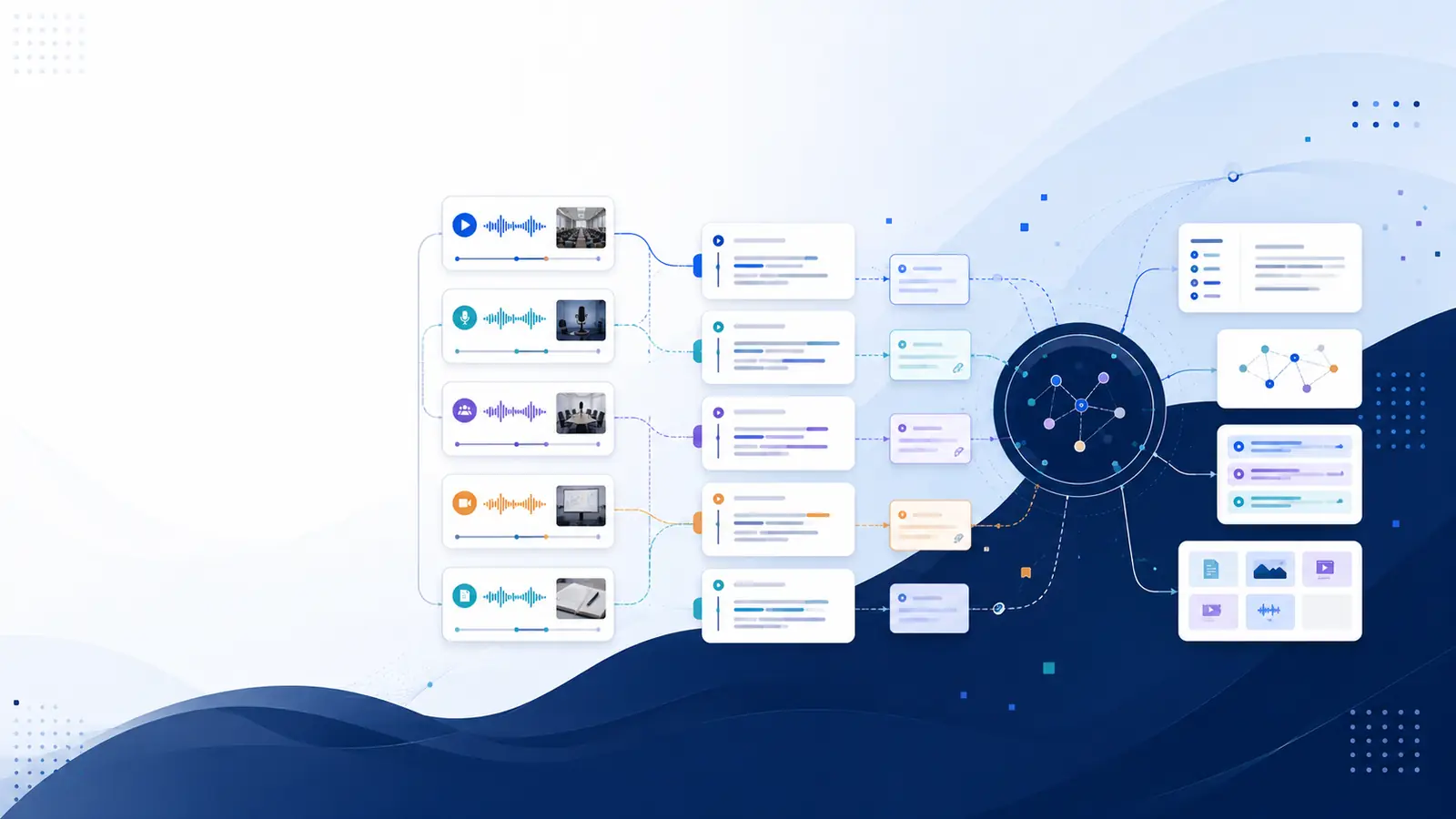
How Searching Inside Videos Actually Works
A practical video search system works in three steps:
Step 1: Convert video to text
The spoken audio is converted into written text using transcription.
Step 2: Add timestamps
Each sentence is linked to the exact moment it appears in the video.
Step 3: Make the text searchable
Once text exists, you can search it like a document and jump to exact timestamps.
Without transcription, searching inside videos is not possible.
Who Needs to Search Inside Videos the Most?
This problem affects many people:
Students
Recorded lectures
Exam revision
Finding explanations quickly
Working Professionals
Long meetings
Training sessions
Client calls
Content Creators
Editing long videos
Finding highlights
Repurposing content
Researchers & Interviewers
Interviews
Case studies
Qualitative analysis
Educators & Trainers
Course recordings
Reusing explanations
Creating structured notes
Common Methods People Try (And Why They Fail)
Manually scrubbing videos
Time-consuming
Easy to miss details
Using auto captions
Often inaccurate
Hard to search
Not reliable for private videos
Taking notes while watching
Incomplete
Context is lost
Difficult to reuse later
These methods don’t scale for long or frequent recordings.
The Practical Solution: Searchable Video Transcripts
The most effective solution today is searchable video transcripts.
With searchable transcripts, you can:
Search by keywords
Jump to exact timestamps
Search across multiple videos
Export text for notes or summaries
This is the closest thing to a real search engine for video content.
Platforms like Libraryminds focus on this approach — helping users turn recordings into searchable knowledge instead of passive files.
What to Look for in a Video Search Tool
A good video search tool should offer:
Accurate transcription
Keyword search
Clickable timestamps
Multi-video search
Export options (TXT, SRT)
Simple and fast interface
Missing any of these reduces real usability.
Final Thoughts
So, is there a search engine to search inside videos?
Not in the traditional sense.
But once a video is transcribed and timestamped, searching inside it becomes as easy as searching a document.
If you regularly deal with long videos, meetings, or classes, searchable transcripts are no longer optional — they’re essential.
You May Also Like
While general video search engines locate video content across the web, specific platforms allow users to filter for streaming videos within their collections. Making video content searchable often involves converting speech to text, which enables finding specific moments inside recordings.
Sources reviewed: en.wikipedia.org, askus.xavier.edu.